BetterWispr
Local dictation for macOS that types clean text into any Mac app.
BetterWispr is a dictation app for Mac that turns speech into text in the app you are using. It keeps speech processing on your Mac and can also build meeting notes and insights. Listed under Productivity on UsefulShelf. Pricing: Free. Available on Web and macOS.
https://usefulshelf.co/apps/betterwispr
Overview
BetterWispr is a dictation app for Mac that turns speech into text in the app you are using. It keeps speech processing on your Mac and can also build meeting notes and insights.
The problem
It solves the need to dictate text on a Mac without sending speech to a cloud transcription service.
How it works
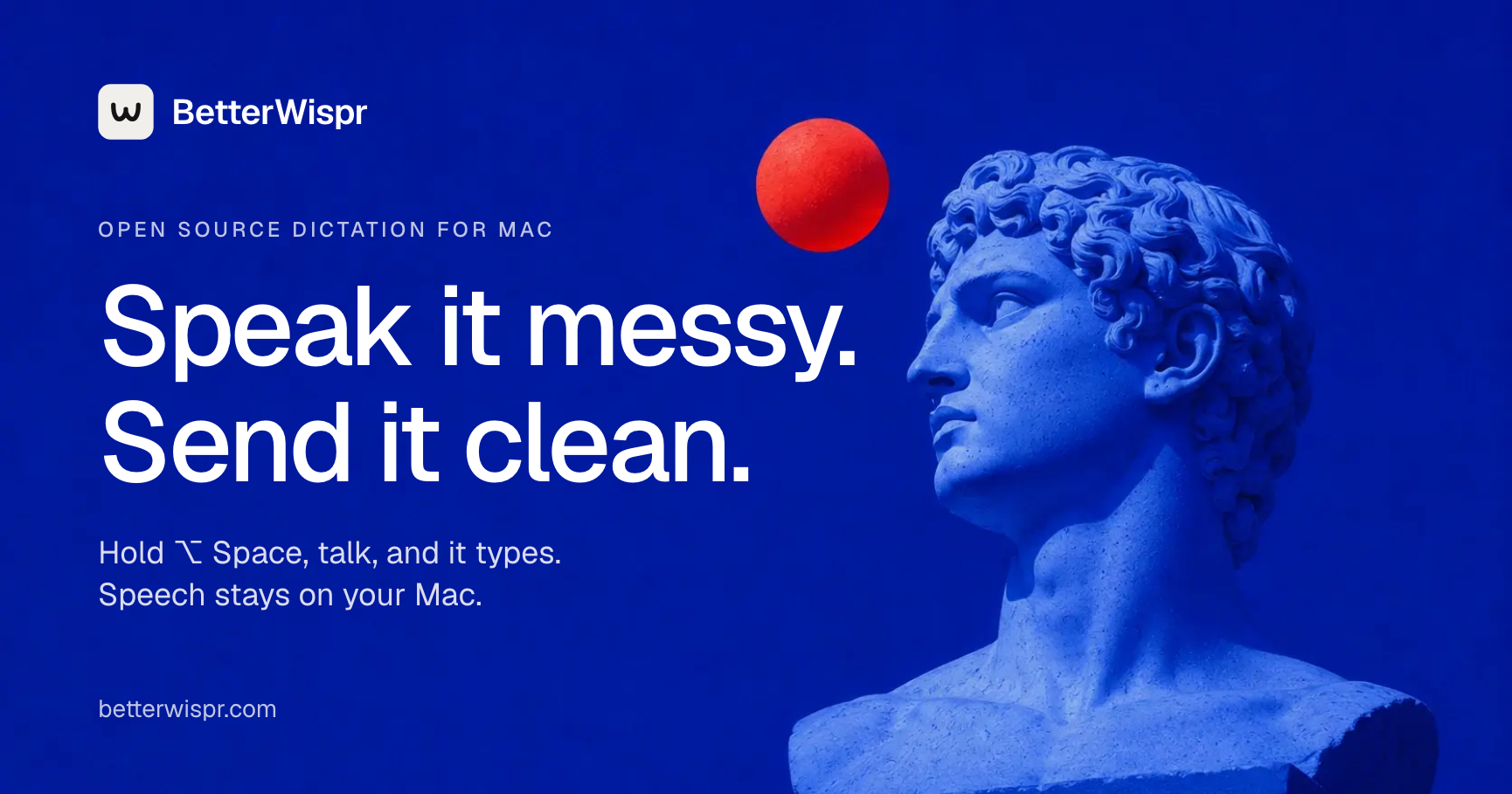
Install the app, choose a local model, then hold Option+Space (or another shortcut), speak, and release to transcribe into the current app. You can also use it for meeting notes, cleanup, styles, and vocabulary corrections.
Key features
- Local speech models that work offline after download
- Dictation into any Mac app with configurable shortcuts
- Meeting notes, summaries, decisions, and action items
- Cleanup, styles, voice commands, vocabulary learning, and history
What makes it different
It runs speech models on the user’s Mac with no account and no cloud transcription fallback.
Use cases
Dictating text into everyday Mac apps, and capturing meeting notes with summaries and action items.
From the UsefulShelf journal
BetterWispr: Mac Dictation Setup and Offline ChecksEvery listing is reviewed before it goes live. How review works
Frequently asked questions
What is BetterWispr?
BetterWispr is a dictation app for Mac that turns speech into text in the app you are using. It keeps speech processing on your Mac and can also build meeting notes and insights.
Who is BetterWispr for?
Mac users who want local dictation, including people who write in other Mac apps and people taking meeting notes.
How does BetterWispr work?
Install the app, choose a local model, then hold Option+Space (or another shortcut), speak, and release to transcribe into the current app. You can also use it for meeting notes, cleanup, styles, and vocabulary corrections.
What makes BetterWispr different?
It runs speech models on the user’s Mac with no account and no cloud transcription fallback.
When would someone use BetterWispr?
Dictating text into everyday Mac apps, and capturing meeting notes with summaries and action items.
What are the key features of BetterWispr?
Local speech models that work offline after download. Dictation into any Mac app with configurable shortcuts. Meeting notes, summaries, decisions, and action items. Cleanup, styles, voice commands, vocabulary learning, and history.
How is BetterWispr priced?
Its listing shows a free pricing model. Check the official website for current plans and limits.
Where can I use BetterWispr?
BetterWispr is available on Web and macOS.
What technical traits does BetterWispr have?
BetterWispr is tagged as Open source.
Where is the official BetterWispr website?
BetterWispr is at betterwispr.com. UsefulShelf links to it directly from this page.
Ratings & reviews
Real experiences. A little perspective for your next pick.
Tried BetterWispr?
Your experience can help someone find their next useful app.
Sign in to review One account. One honest review.One review per account. Makers can’t rate their own apps. Ratings reflect community opinions.
The first word could be yours.
Tried BetterWispr? A few honest lines can make someone’s decision a little easier.
Share your experienceKeep exploring
More useful apps to discover.