

Mockship
A web app for turning screenshots into mockups and share-ready images.
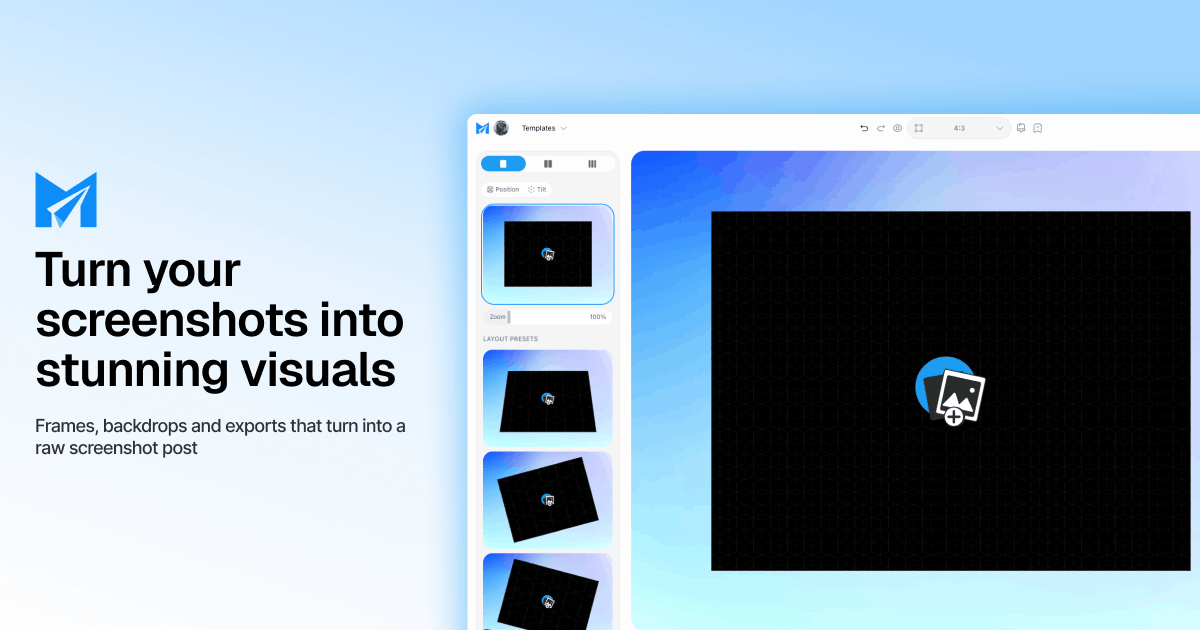
Drop a screenshot into the studio, wrap it in a device or browser frame, place it on a backdrop, and export the result. It produces mockups and social-ready images with free HD exports and paid higher-resolution options. Listed under Design on UsefulShelf. Pricing: Free and Subscription. Available on Web.
https://usefulshelf.co/apps/mockship
Overview
Drop a screenshot into the studio, wrap it in a device or browser frame, place it on a backdrop, and export the result. It produces mockups and social-ready images with free HD exports and paid higher-resolution options.
The problem
It helps users turn plain screenshots into polished mockups without needing to design from scratch.
How it works
Upload or paste a screenshot, choose a frame and backdrop, then export the finished mockup as an image.
Key features
- Device mockups for iPhone, iPad, MacBook, iMac, Android, and Watch
- Browser frames and full-page screenshots
- Backdrops, gradients, meshes, textures, and photo backgrounds
- HD PNG and JPEG export, with 4K, 6K, and WebP on Pro
What makes it different
The page states that free exports have no watermark and no signup is required to export.
Use cases
Creating App Store listings, launch posts, landing page images, and client mockups.
Every listing is reviewed before it goes live. How review works
Frequently asked questions
What is Mockship?
Drop a screenshot into the studio, wrap it in a device or browser frame, place it on a backdrop, and export the result. It produces mockups and social-ready images with free HD exports and paid higher-resolution options.
Who is Mockship for?
People who make screenshots, mockups, and product images for websites, app store listings, landing pages, and client work.
How does Mockship work?
Upload or paste a screenshot, choose a frame and backdrop, then export the finished mockup as an image.
What makes Mockship different?
The page states that free exports have no watermark and no signup is required to export.
When would someone use Mockship?
Creating App Store listings, launch posts, landing page images, and client mockups.
What are the key features of Mockship?
Device mockups for iPhone, iPad, MacBook, iMac, Android, and Watch. Browser frames and full-page screenshots. Backdrops, gradients, meshes, textures, and photo backgrounds. HD PNG and JPEG export, with 4K, 6K, and WebP on Pro.
How is Mockship priced?
Its listing shows a free and subscription pricing model. Check the official website for current plans and limits.
Where can I use Mockship?
Mockship is available on Web.
Where is the official Mockship website?
Mockship is at mockship.app. UsefulShelf links to it directly from this page.
Ratings & reviews
Real experiences. A little perspective for your next pick.
Tried Mockship?
Your experience can help someone find their next useful app.
Sign in to review One account. One honest review.One review per account. Makers can’t rate their own apps. Ratings reflect community opinions.
The first word could be yours.
Tried Mockship? A few honest lines can make someone’s decision a little easier.
Share your experienceKeep exploring
More useful apps to discover.
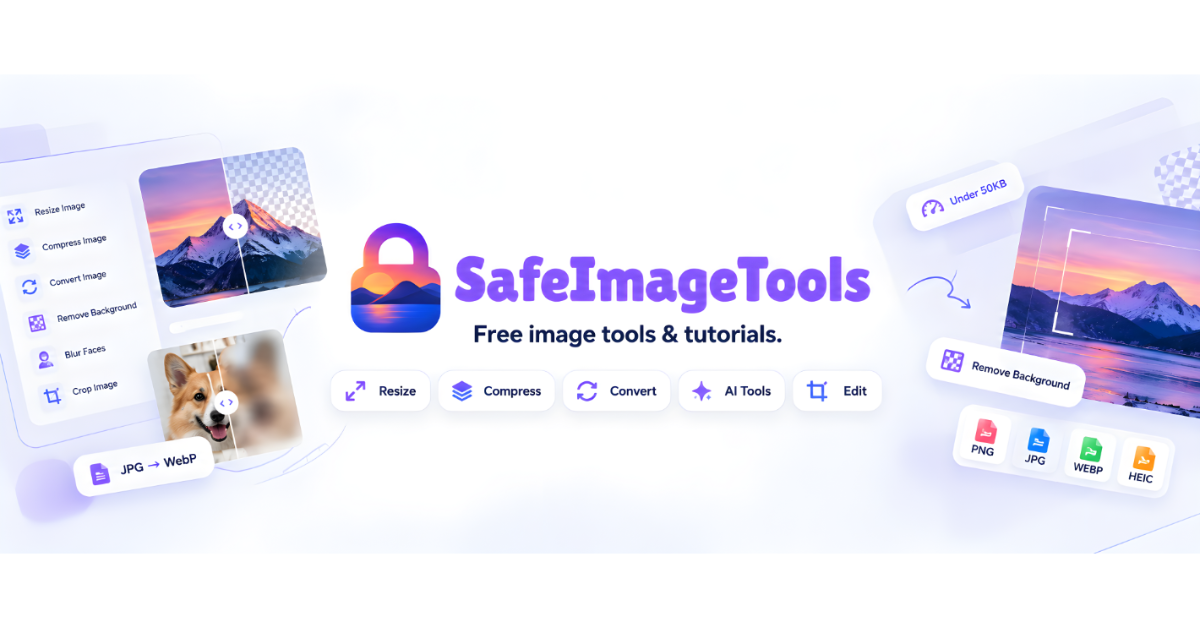

AI tools, batch editing, and image conversion in one place. No sign-up and works offline for most tools.
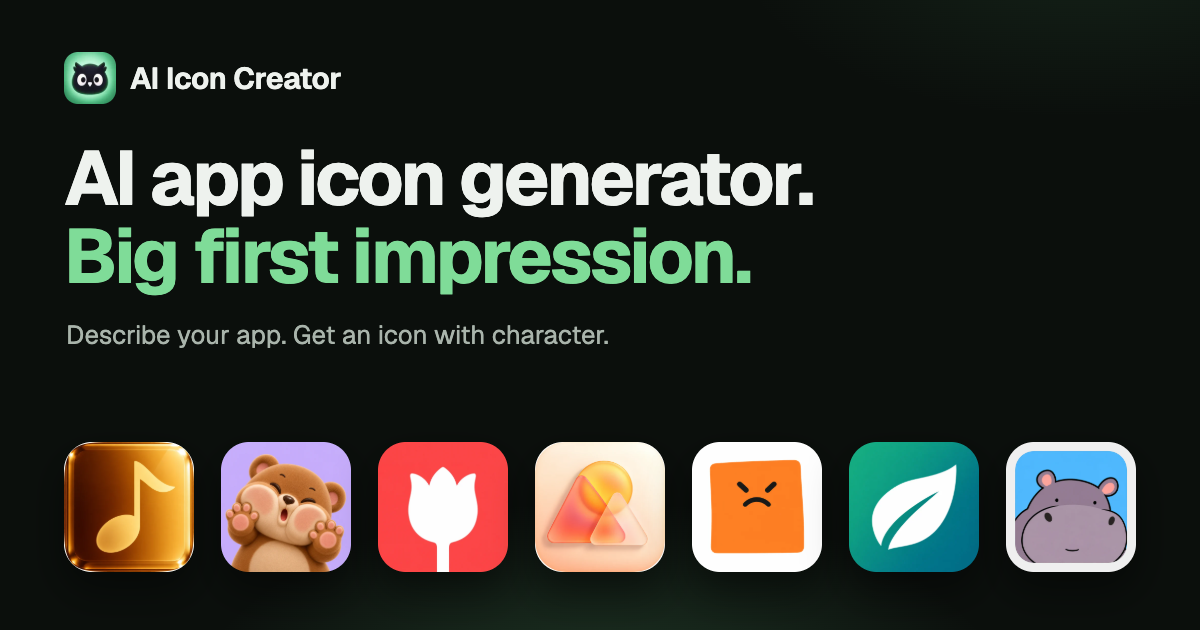

AI app icon generator for people making icons for iOS, Android, and the web.


An AI-native visual workspace for diagrams, schemas and team collaboration.