
Turn your coding agent into an AI lab
Featured listings first. Tags come from each app's website, so confirm current pricing and platforms before you choose.
Turn your coding agent into an AI lab
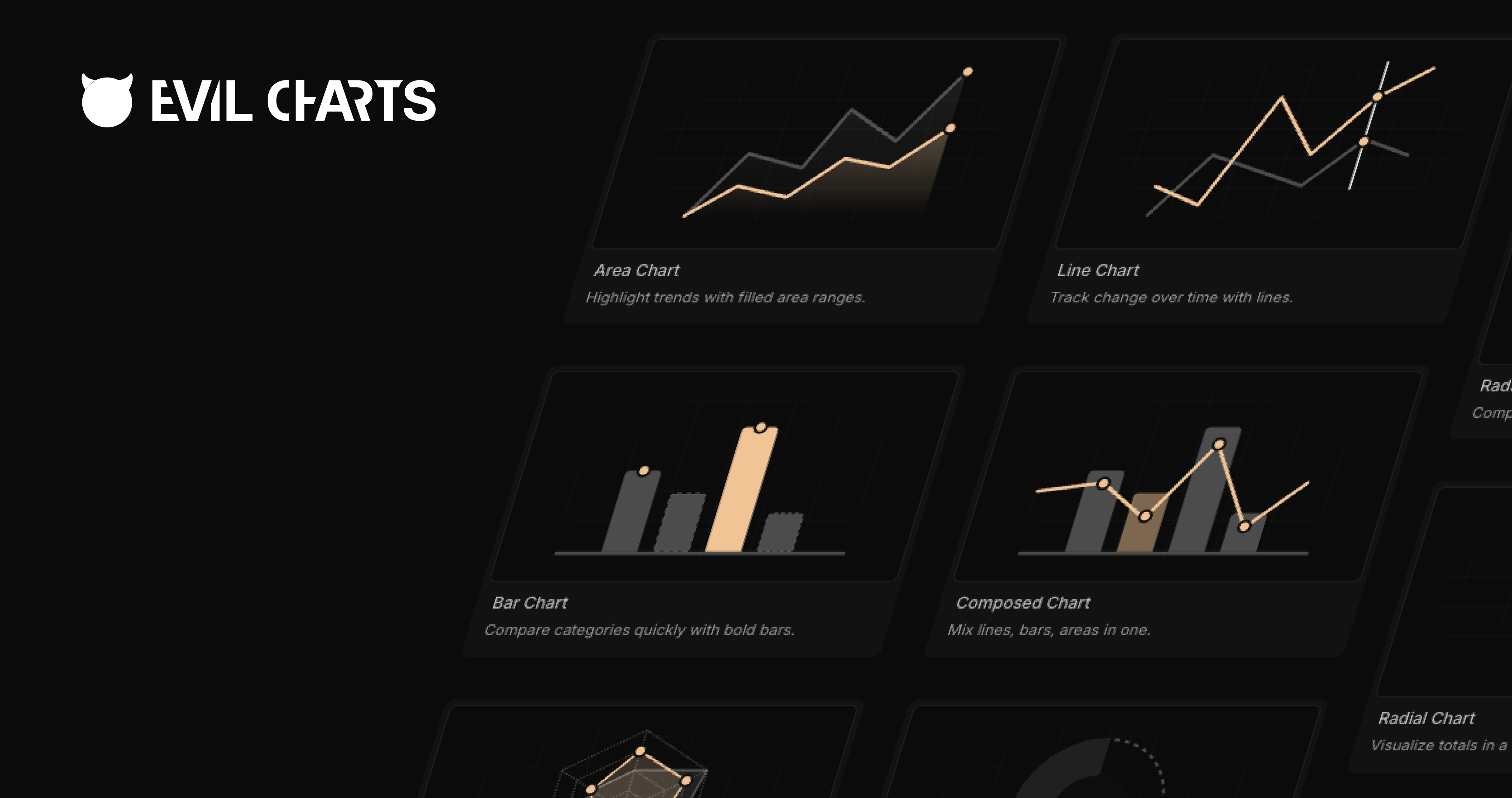
Animated React chart components for developers using Recharts, Apache ECharts, and shadcn/ui.

Make product demo videos with an AI coding agent.
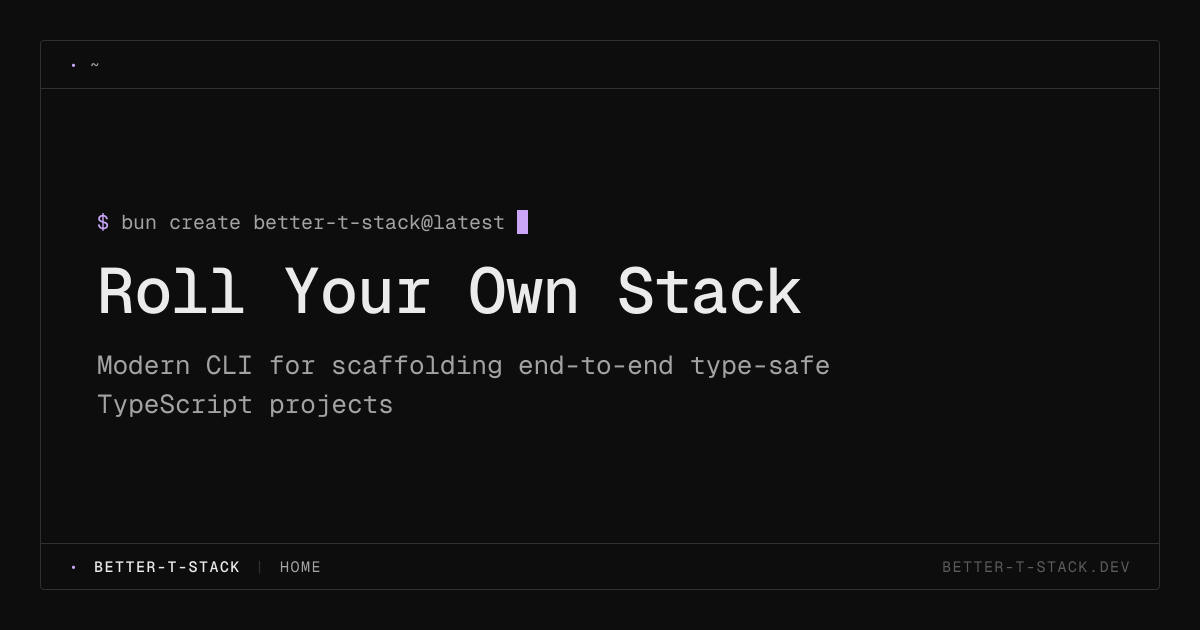
A modern CLI for scaffolding type-safe TypeScript projects for developers.
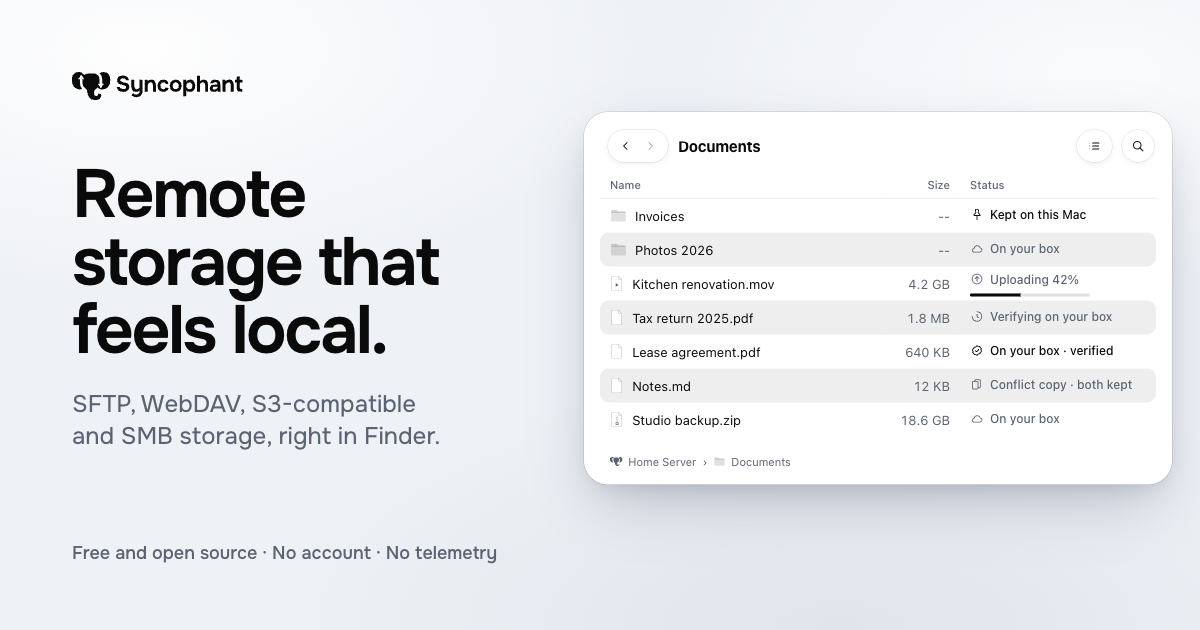
Remote storage that feels local
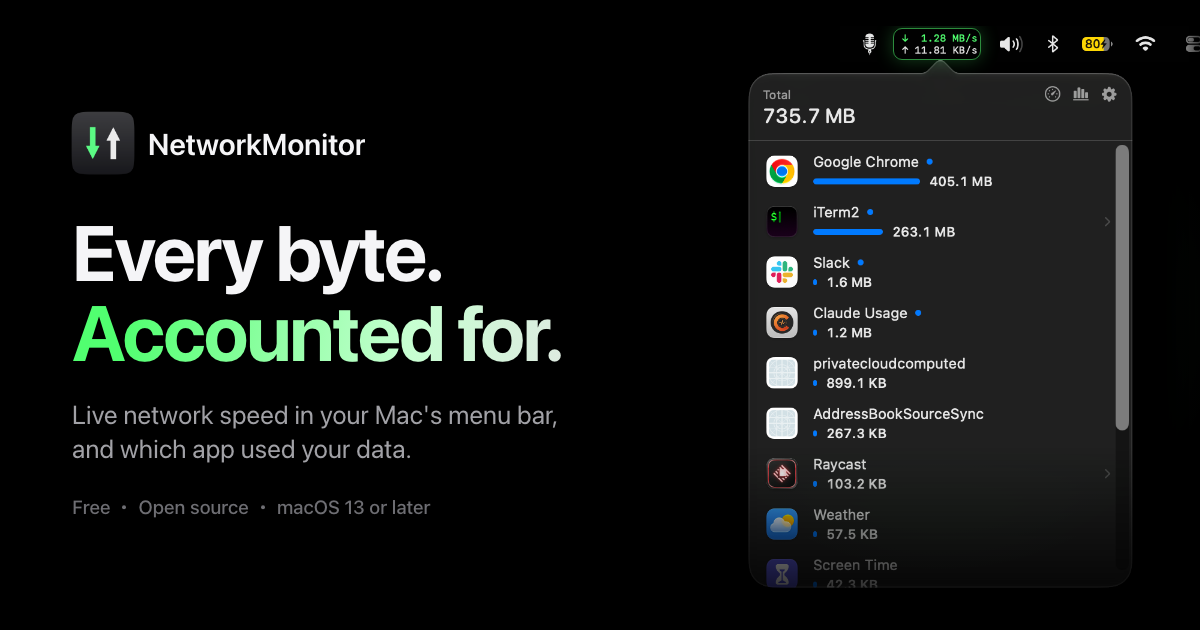
A macOS menu bar app that shows live network speed and per-app data use.

A link-in-bio page that looks hand-made for people who want to share links.
Free dictation app for Mac and Windows that types your speech at the cursor.
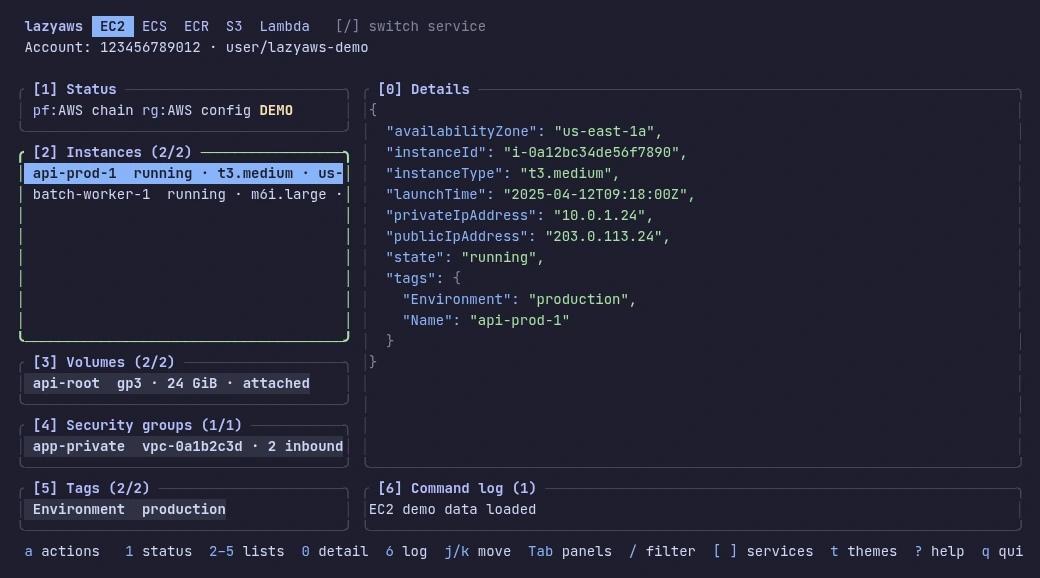
A keyboard-driven terminal app for browsing and acting on AWS resources.
A Mac app that visualizes disk space and cleans safe files.

A free markdown note-taking app for macOS, Windows and Linux with an optional AI panel.
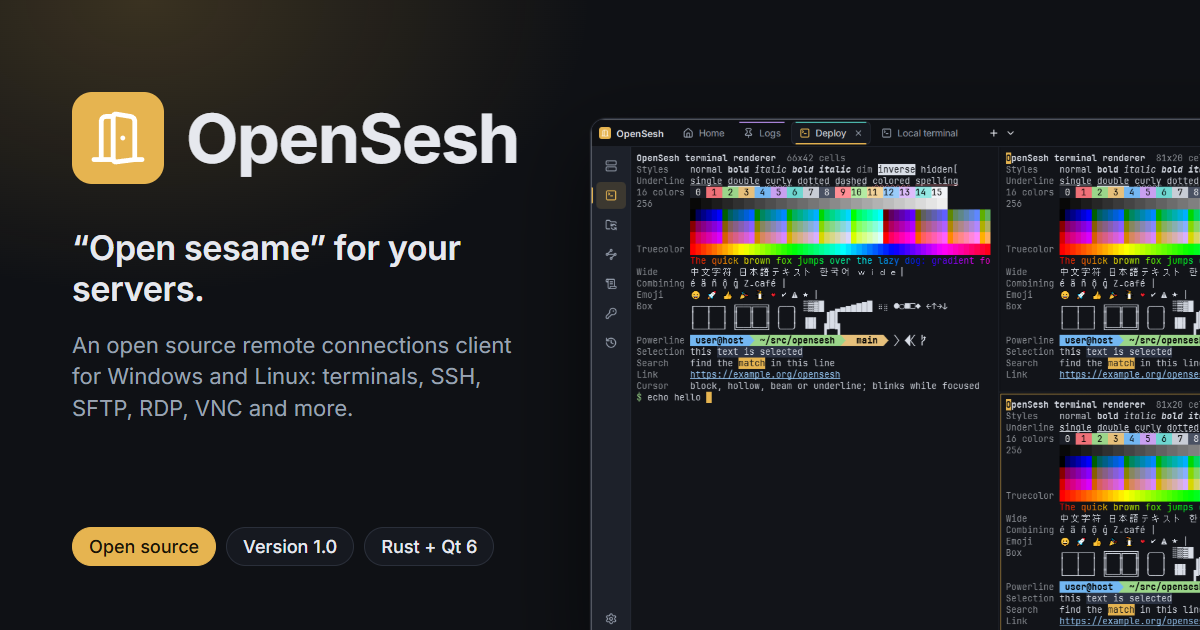
Open source remote connections client for Windows and Linux.

Portable skills for AI coding agents.

A macOS menu bar app that keeps your Mac awake for timed sessions with the lid closed.
1–14 of 34 apps
Pricing, platforms, features and tool types are tagged from each app's public website and may be incomplete. Open an app page for the full details.
| App | Pricing | Platforms | Features | Tool type |
|---|---|---|---|---|
| Overmind | Free, Freemium, Subscription, Usage-based | Web | Open source, Self-hosted | CLI, MCP server |
| Evil Charts | Free | Web | Open source | Not listed |
| Remocn | Free | Web | AI-powered, Open source | Not listed |
| Better-T-Stack | Free | Web | Open source | Not listed |
| Syncophant | Free | Web, macOS | Open source | Not listed |
| NetworkMonitor | Free | macOS | Open source | Not listed |
| Posy | Free, Freemium, Subscription | Web | AI-powered, Open source | Not listed |
| talkflow | Free | Web, macOS, Windows | AI-powered, Open source | Not listed |
| Lazy AWS | Not listed | macOS, Linux | Open source | Not listed |
| See Your Disk | Free, Freemium, One-time purchase, Subscription | macOS | Open source | Not listed |
| nuza | Free | macOS, Windows, Linux | AI-powered, Open source | Not listed |
| OpenSesh | Free | Web, Windows, Linux | Open source | Not listed |
| KeySkills | Free | Web | Open source | Not listed |
| Insomnia | Not listed | macOS | Open source | Not listed |
Open-source apps publish their source code under a license that sets how it can be used, changed and shared. Many can run on your own computer or server, and some makers also sell a hosted version that saves you the setup.
Before choosing, read the license, check how recently the project was updated and how issues are handled, and decide whether to run it yourself or use a hosted version. Running it yourself makes updates and backups your job.
Visits · last 30 days
40visits
Hover, tap or use arrow keys for daily counts.