
An AI model and notes space for people using it.
Featured listings first. Explore the apps below.
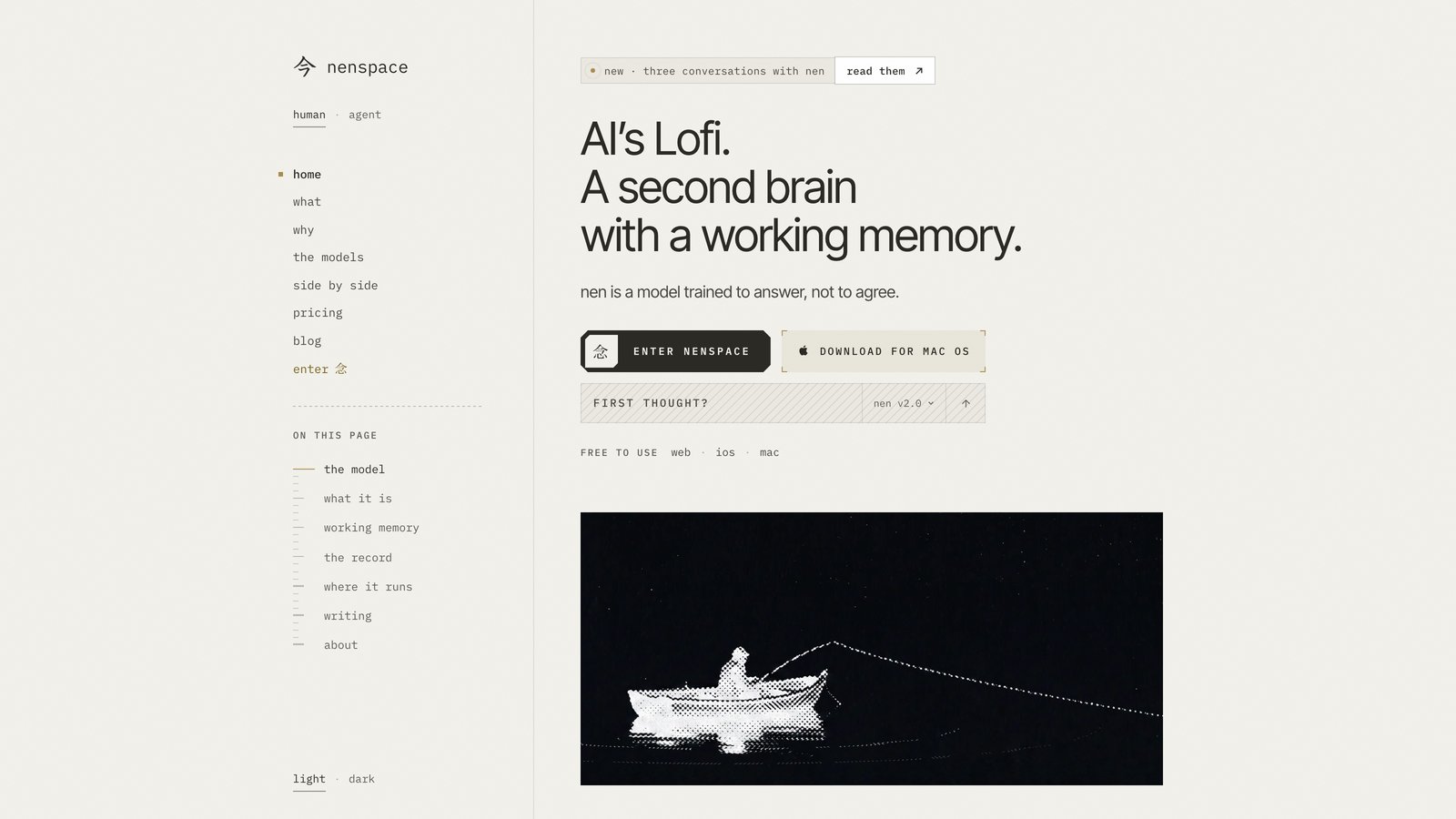
An AI model and notes space for people using it.
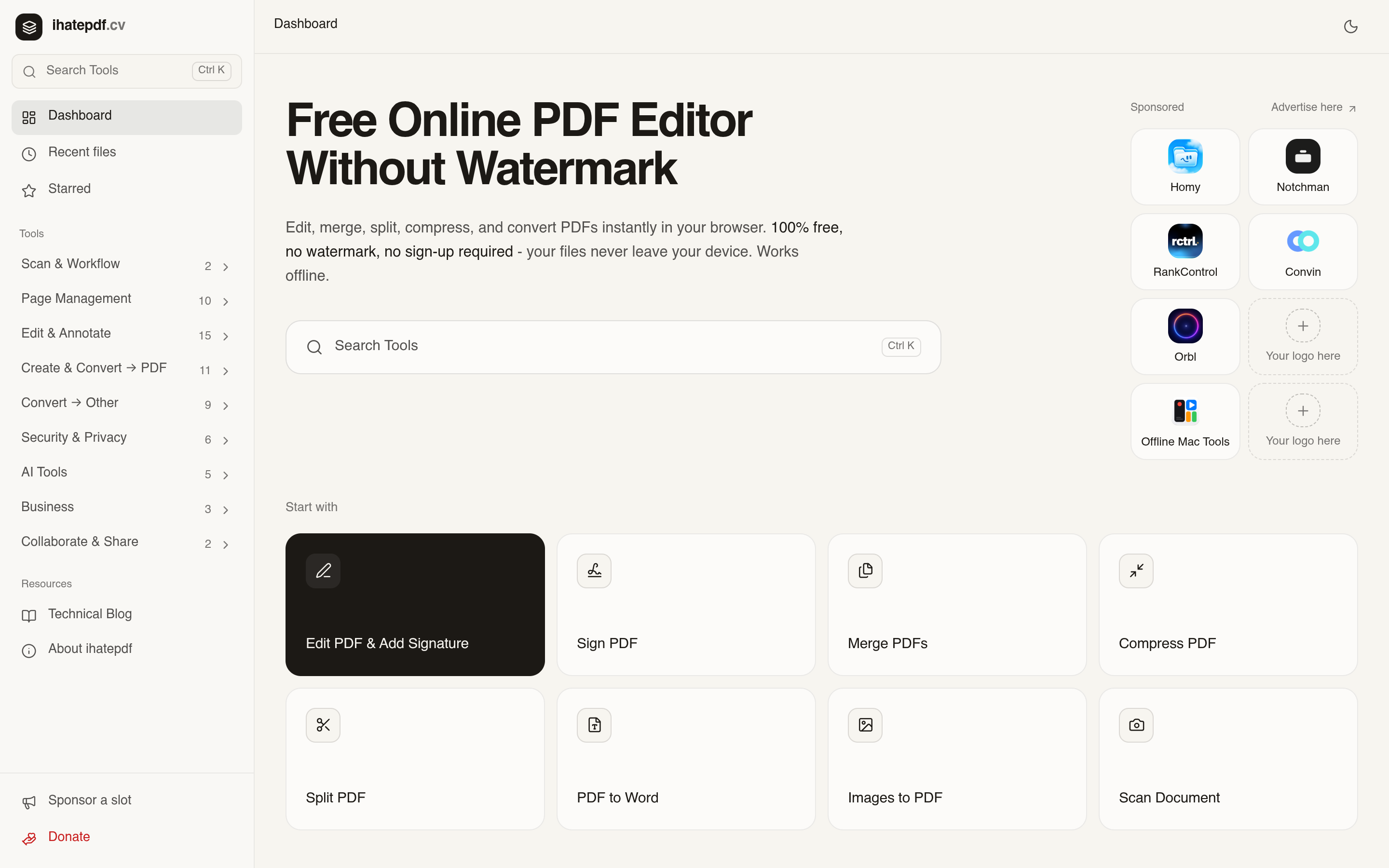
Free online PDF editor for people who need to edit, merge, convert, and secure PDFs in the browser.
Process video, audio, photos, PDF, text and code on your device without an account
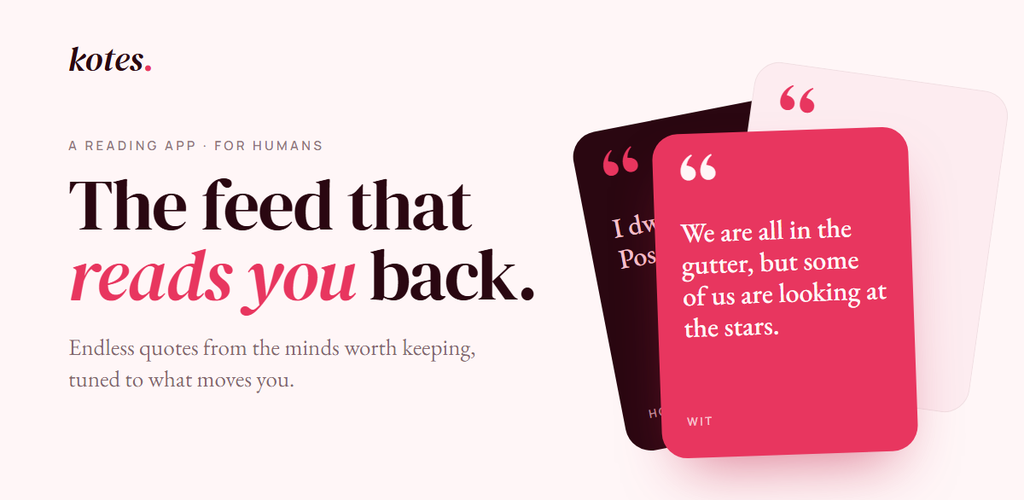
Read endless quotes tuned to your interests, for book lovers
Remote storage that feels local
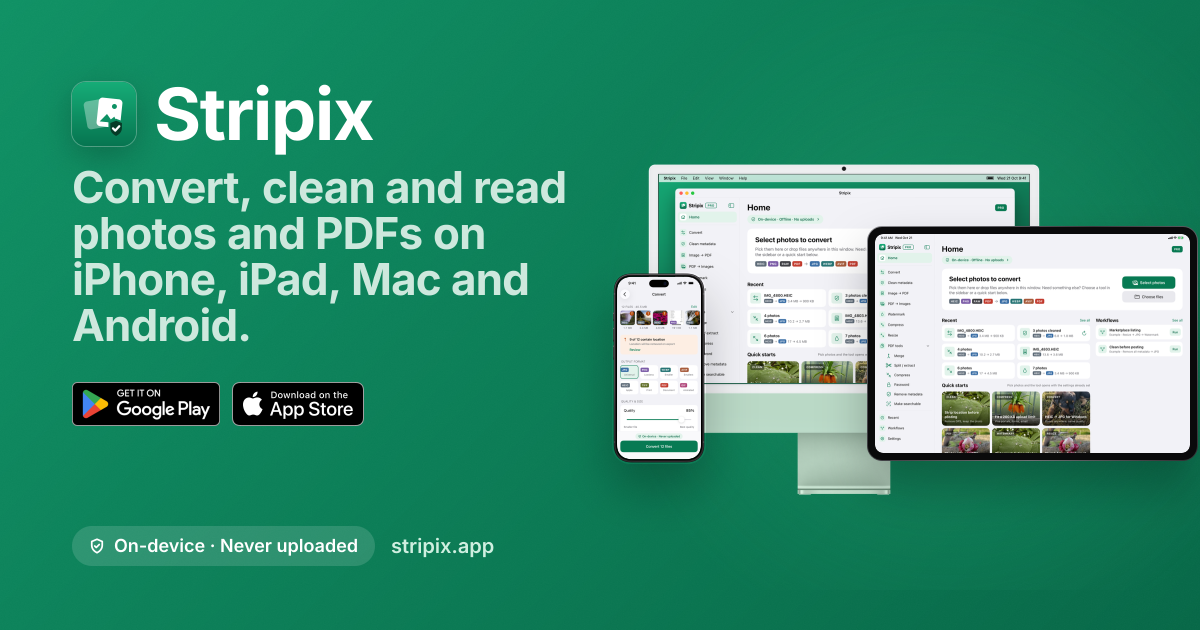
An offline photo and PDF converter for iPhone, iPad, Mac and Android.
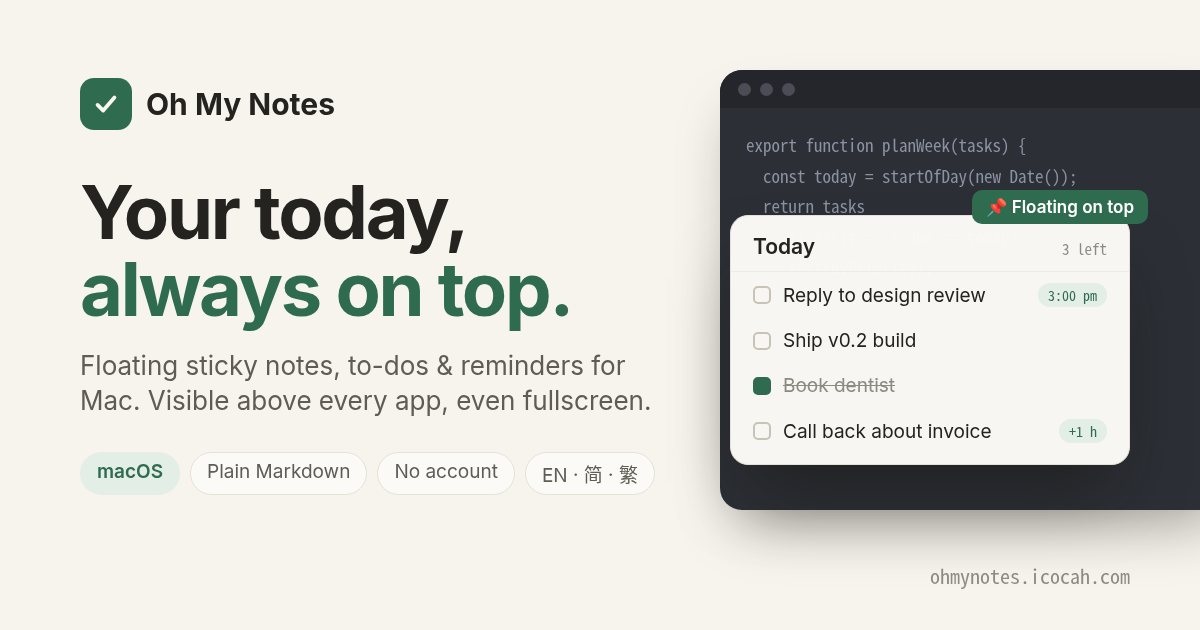
A floating Today layer for Mac with notes, to-dos and reminders above every app.
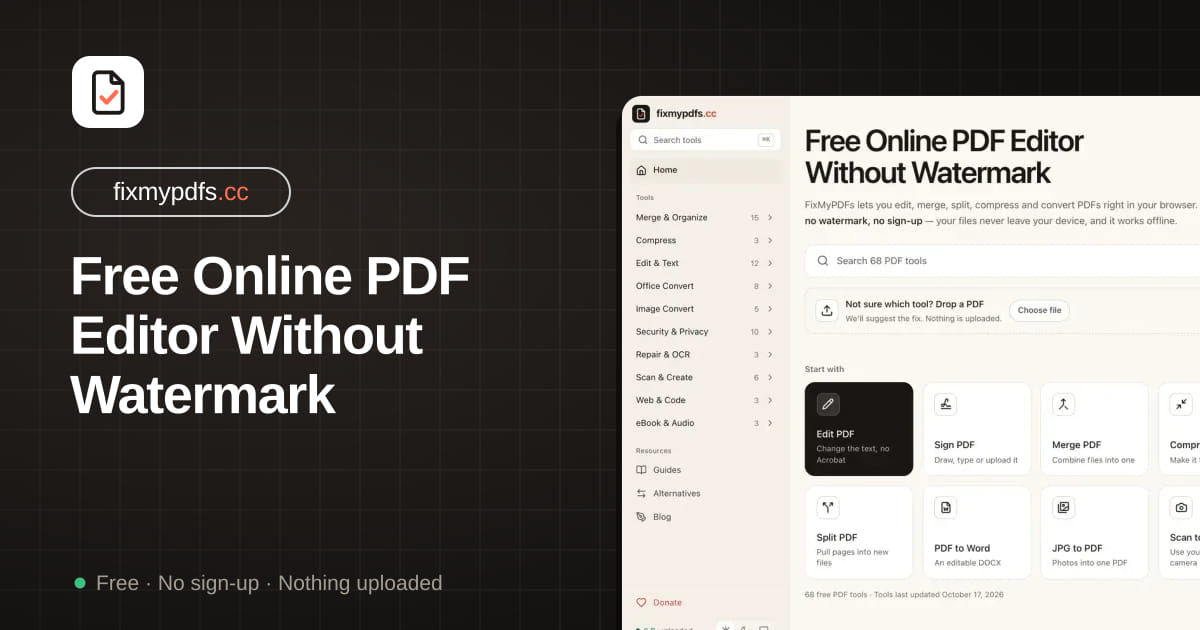
Edit, merge, split, compress and convert PDFs in your browser
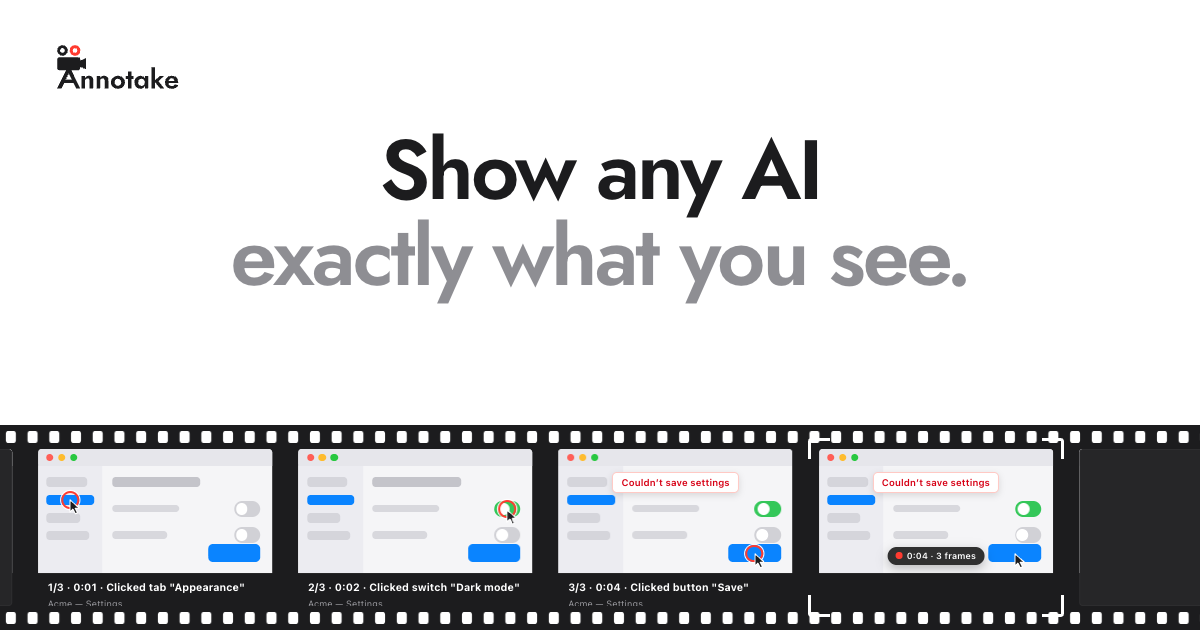
A Mac menu-bar app that turns on-screen actions into captioned screenshots for AI chats.

Disk space analyzer and cleanup tool for Windows 10 and 11.
Free dictation app for Mac and Windows that types your speech at the cursor.
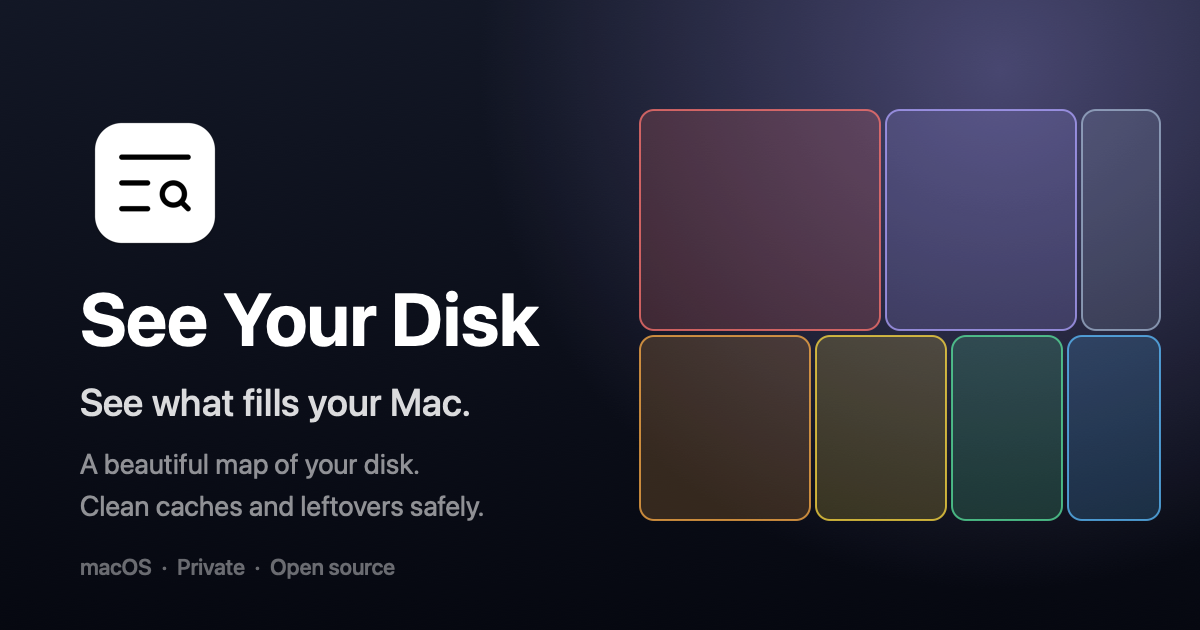
A Mac app that visualizes disk space and cleans safe files.

A free markdown note-taking app for macOS, Windows and Linux with an optional AI panel.

A macOS menu bar app that keeps your Mac awake for timed sessions with the lid closed.
1–14 of 38 apps
Pricing, platforms, features and tool types are tagged from each app's public website and may be incomplete. Open an app page for the full details.
| App | Pricing | Platforms | Features |
|---|---|---|---|
| nenspace | Free, Subscription | Web, iOS, macOS | AI-powered |
| ihatepdf.cv | Free | Web | AI-powered |
| ToolSugar | Not listed | Not listed | Not listed |
| kotes | Free | Web, Android | Not listed |
| Syncophant | Free | Web, macOS | Open source |
| Stripix | Free, Freemium, Subscription | Android, iOS, macOS | Not listed |
| Oh My Notes | Free, Freemium, One-time purchase | macOS | Not listed |
| FixMyPDFs | Free | Web | Self-hosted |
| Annotake | Free | macOS | Not listed |
| EatUp | Free, One-time purchase | Not listed | Not listed |
| talkflow | Free | Web, macOS, Windows | AI-powered, Open source |
| See Your Disk | Free, Freemium, One-time purchase, Subscription | macOS | Open source |
| nuza | Free | macOS, Windows, Linux | AI-powered, Open source |
| Insomnia | Not listed | macOS | Open source |
Productivity apps range from planners and note-taking tools to small utilities that do one routine job, such as converting a file, editing a PDF or making a QR code. Small utilities often run in the browser with nothing to install, while planners and note apps usually keep your data in an account that syncs between devices.
Before choosing, check where your files are processed and stored, whether the free version has size limits, sign-up requirements or a watermark, and how you can export your work if you switch apps later.
Visits · last 30 days
50visits
Hover, tap or use arrow keys for daily counts.