

OpenBeta
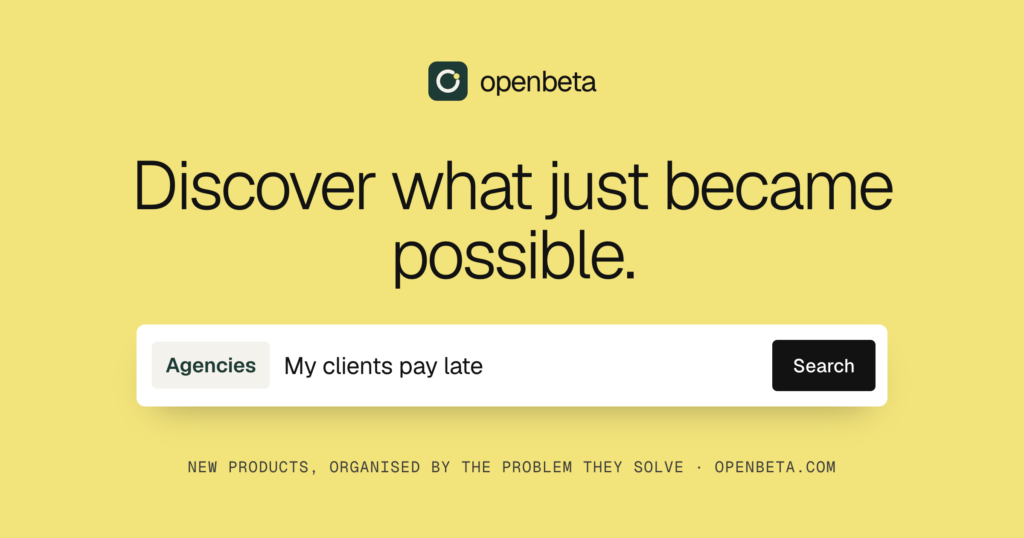
A directory of newly launched software tools, organized by the problem they solve.
OpenBeta lists newly launched tools by the problem they solve and compares them on price, fit, and who they suit. It also lets users browse problems, alternatives, and product pages. Listed under Directories on UsefulShelf. Pricing: Free. Available on Web.
https://usefulshelf.co/apps/openbeta
Overview
OpenBeta lists newly launched tools by the problem they solve and compares them on price, fit, and who they suit. It also lets users browse problems, alternatives, and product pages.
The problem
It helps people find software tools based on the problem they need to solve instead of a category name.
How it works
Users browse problems or alternatives, then open product pages to compare tools and visit the product links.
Key features
- Browse products by problem
- Compare products and alternatives
- Follow problems for weekly updates
- Submit a product listing
What makes it different
It organizes tools by problem and says listings are reviewed by a person before going live.
Use cases
Finding a new tool for a specific agency problem; submitting a newly launched product for inclusion.
Every listing is reviewed before it goes live. How review works
Frequently asked questions
What is OpenBeta?
OpenBeta lists newly launched tools by the problem they solve and compares them on price, fit, and who they suit. It also lets users browse problems, alternatives, and product pages.
Who is OpenBeta for?
Agencies, freelancers, and founders.
How does OpenBeta work?
Users browse problems or alternatives, then open product pages to compare tools and visit the product links.
What makes OpenBeta different?
It organizes tools by problem and says listings are reviewed by a person before going live.
When would someone use OpenBeta?
Finding a new tool for a specific agency problem; submitting a newly launched product for inclusion.
What are the key features of OpenBeta?
Browse products by problem. Compare products and alternatives. Follow problems for weekly updates. Submit a product listing.
How is OpenBeta priced?
Its listing shows a free pricing model. Check the official website for current plans and limits.
Where can I use OpenBeta?
OpenBeta is available on Web.
Where is the official OpenBeta website?
OpenBeta is at openbeta.co. UsefulShelf links to it directly from this page.
Ratings & reviews
Real experiences. A little perspective for your next pick.
Tried OpenBeta?
Your experience can help someone find their next useful app.
Sign in to review One account. One honest review.One review per account. Makers can’t rate their own apps. Ratings reflect community opinions.
The first word could be yours.
Tried OpenBeta? A few honest lines can make someone’s decision a little easier.
Share your experienceKeep exploring
More useful apps to discover.
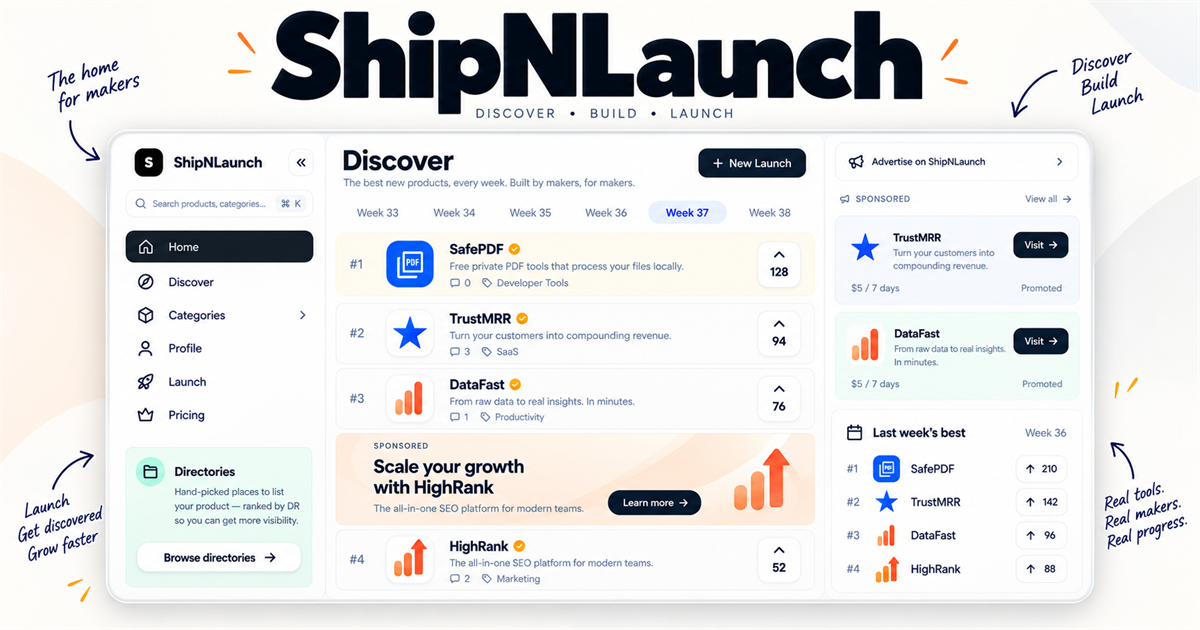

A product launch and discovery platform for makers launching SaaS, AI tools, and indie products.

A catalog of real builds on Jev for people browsing use cases.


Dash cam reviews and buying advice for Indian drivers.