

ShimmerPic
Create and edit images with GPT Image 2.5 in the browser for people who use AI image generation.
ShimmerPic is a browser-based tool for creating and editing images with GPT Image 2.5 Flare and Sunburst. It lets users generate images from prompts, add reference photos, and download or edit results in their private creations. Listed under Design on UsefulShelf. Pricing: Free, Freemium, One-time purchase and Subscription. Available on Web.
https://usefulshelf.co/apps/shimmerpic
Overview
ShimmerPic is a browser-based tool for creating and editing images with GPT Image 2.5 Flare and Sunburst. It lets users generate images from prompts, add reference photos, and download or edit results in their private creations.
The problem
It helps users generate and edit images without needing their own OpenAI API key.
How it works
Sign in, choose a model, enter or open a prompt, pick aspect ratio, resolution, quality, and optional reference photos, then generate and refine the image.
Key features
- Generate images with GPT Image 2.5 Flare and Sunburst
- Edit a result by opening it as a reference and describing changes
- Use prompt library templates and examples
- Add up to three reference photos and choose ratio, resolution, and quality
What makes it different
It runs GPT Image 2.5 in the browser with no API key and keeps results private in the user’s creations.
Use cases
Creating product photography, UGC-style visuals, posters, flyers, and mockups.
Every listing is reviewed before it goes live. How review works
Frequently asked questions
What is ShimmerPic?
ShimmerPic is a browser-based tool for creating and editing images with GPT Image 2.5 Flare and Sunburst. It lets users generate images from prompts, add reference photos, and download or edit results in their private creations.
Who is ShimmerPic for?
People who make AI images, including creators working on product shots, posters, characters, brand boards, and mockups.
How does ShimmerPic work?
Sign in, choose a model, enter or open a prompt, pick aspect ratio, resolution, quality, and optional reference photos, then generate and refine the image.
What makes ShimmerPic different?
It runs GPT Image 2.5 in the browser with no API key and keeps results private in the user’s creations.
When would someone use ShimmerPic?
Creating product photography, UGC-style visuals, posters, flyers, and mockups.
What are the key features of ShimmerPic?
Generate images with GPT Image 2.5 Flare and Sunburst. Edit a result by opening it as a reference and describing changes. Use prompt library templates and examples. Add up to three reference photos and choose ratio, resolution, and quality.
How is ShimmerPic priced?
Its listing shows a free, freemium, one-time purchase and subscription pricing model. Check the official website for current plans and limits.
Where can I use ShimmerPic?
ShimmerPic is available on Web.
What technical traits does ShimmerPic have?
ShimmerPic is tagged as AI-powered.
Where is the official ShimmerPic website?
ShimmerPic is at shimmerpic.com. UsefulShelf links to it directly from this page.
Ratings & reviews
Real experiences. A little perspective for your next pick.
Tried ShimmerPic?
Your experience can help someone find their next useful app.
Sign in to review One account. One honest review.One review per account. Makers can’t rate their own apps. Ratings reflect community opinions.
The first word could be yours.
Tried ShimmerPic? A few honest lines can make someone’s decision a little easier.
Share your experienceKeep exploring
More useful apps to discover.
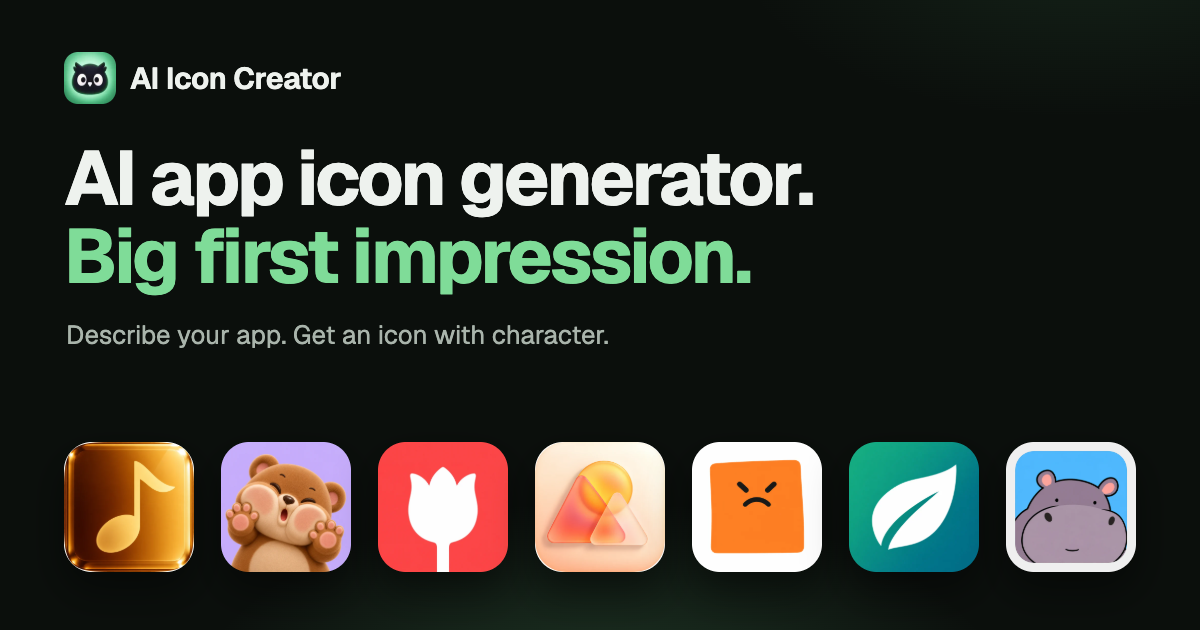

AI app icon generator for people making icons for iOS, Android, and the web.
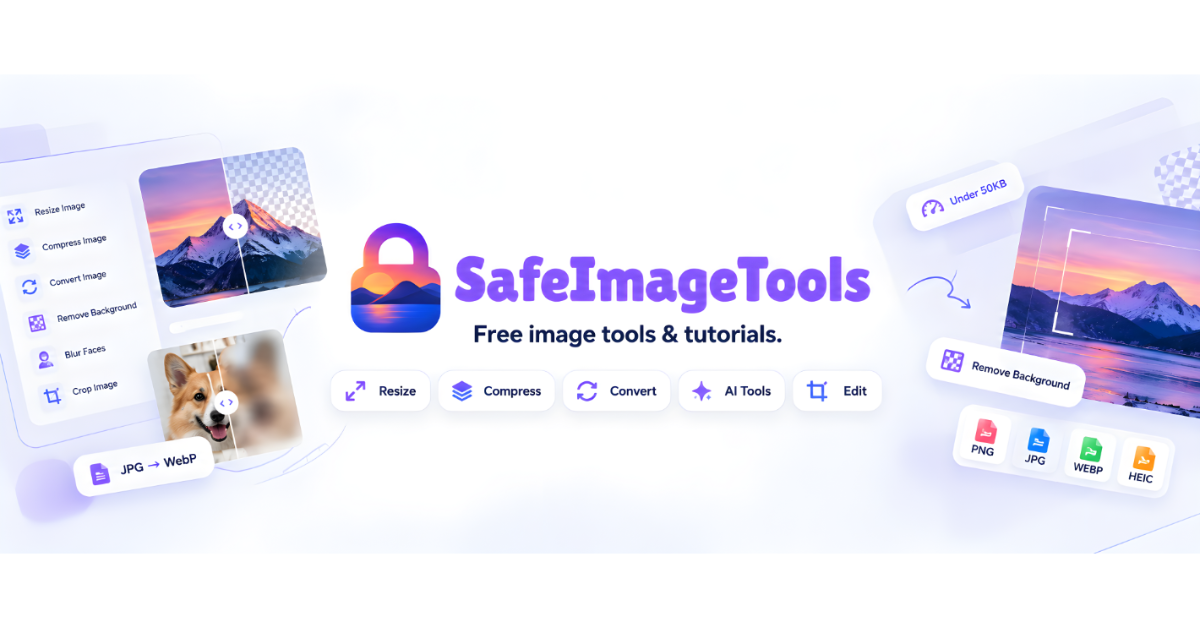

AI tools, batch editing, and image conversion in one place. No sign-up and works offline for most tools.
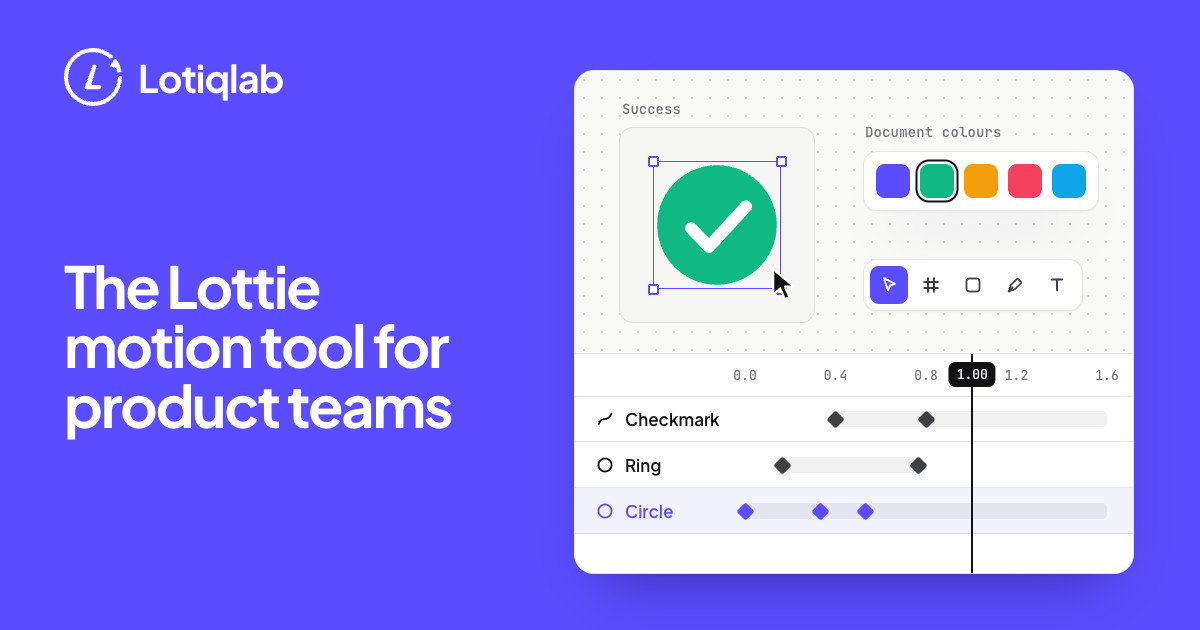

Browser-based Lottie editor and AI generator for product teams.