

Stripix
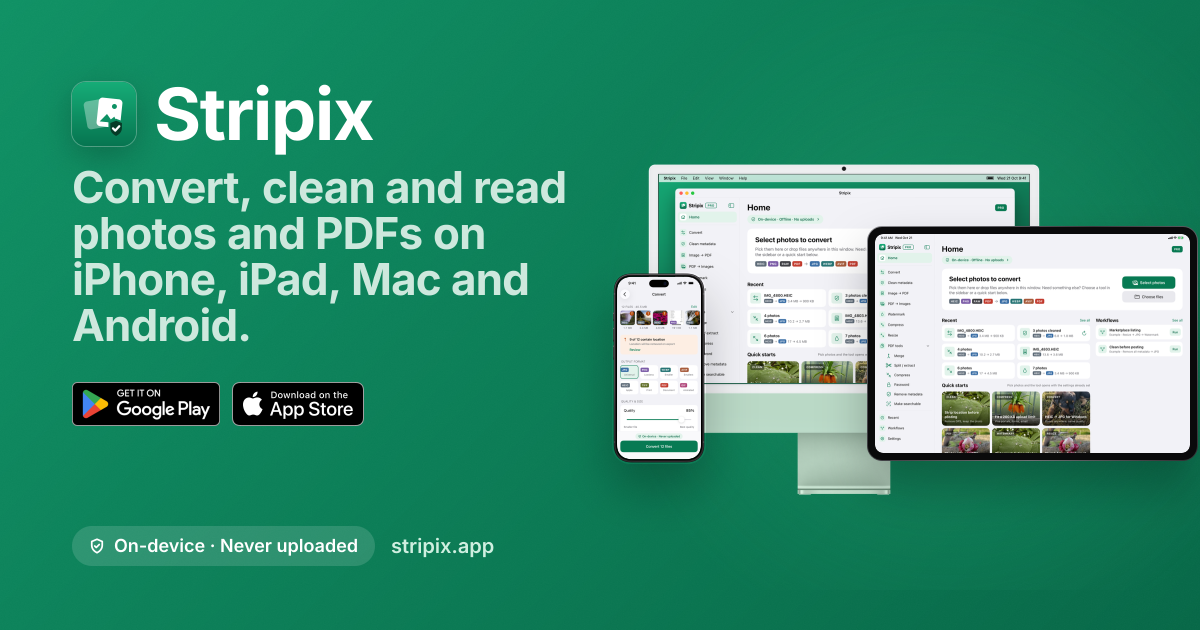
An offline photo and PDF converter for iPhone, iPad, Mac and Android.
Stripix converts, cleans and shrinks photos and PDFs on your device with nothing uploaded. It can convert formats, remove metadata, create and edit PDFs, and run workflows offline. Listed under Productivity on UsefulShelf. Pricing: Free, Freemium and Subscription. Available on Android, iOS and macOS.
https://usefulshelf.co/apps/stripix
Overview
Stripix converts, cleans and shrinks photos and PDFs on your device with nothing uploaded. It can convert formats, remove metadata, create and edit PDFs, and run workflows offline.
The problem
It helps people convert and clean photos and PDFs without uploading files or needing an internet connection.
How it works
Pick photos or PDFs, choose a tool such as convert, clean metadata, resize, or PDF tools, and run it on a batch or single file. On iPhone, workflows can also run from the Share Sheet or Shortcuts.
Key features
- Convert HEIC, PNG, RAW, and other formats to JPG, WebP, AVIF
- Remove photo metadata such as location, camera, and dates
- Create, merge, split, compress, password-protect, and OCR PDFs
- Run saved workflows and use the Share menu/Shortcuts on iPhone
What makes it different
It processes files on the device and has no server of its own.
Use cases
Converting HEIC photos to JPG, removing location metadata before posting, and making receipts or scans into PDFs.
Every listing is reviewed before it goes live. How review works
Frequently asked questions
What is Stripix?
Stripix converts, cleans and shrinks photos and PDFs on your device with nothing uploaded. It can convert formats, remove metadata, create and edit PDFs, and run workflows offline.
Who is Stripix for?
People using iPhone, iPad, Mac, or Android phones and tablets.
How does Stripix work?
Pick photos or PDFs, choose a tool such as convert, clean metadata, resize, or PDF tools, and run it on a batch or single file. On iPhone, workflows can also run from the Share Sheet or Shortcuts.
What makes Stripix different?
It processes files on the device and has no server of its own.
When would someone use Stripix?
Converting HEIC photos to JPG, removing location metadata before posting, and making receipts or scans into PDFs.
What are the key features of Stripix?
Convert HEIC, PNG, RAW, and other formats to JPG, WebP, AVIF. Remove photo metadata such as location, camera, and dates. Create, merge, split, compress, password-protect, and OCR PDFs. Run saved workflows and use the Share menu/Shortcuts on iPhone.
How is Stripix priced?
Its listing shows a free, freemium and subscription pricing model. Check the official website for current plans and limits.
Where can I use Stripix?
Stripix is available on Android, iOS and macOS.
Where is the official Stripix website?
Stripix is at stripix.app. UsefulShelf links to it directly from this page.
Ratings & reviews
Real experiences. A little perspective for your next pick.
Tried Stripix?
Your experience can help someone find their next useful app.
Sign in to review One account. One honest review.One review per account. Makers can’t rate their own apps. Ratings reflect community opinions.
The first word could be yours.
Tried Stripix? A few honest lines can make someone’s decision a little easier.
Share your experienceKeep exploring
More useful apps to discover.


An AI model and notes space for people using it.
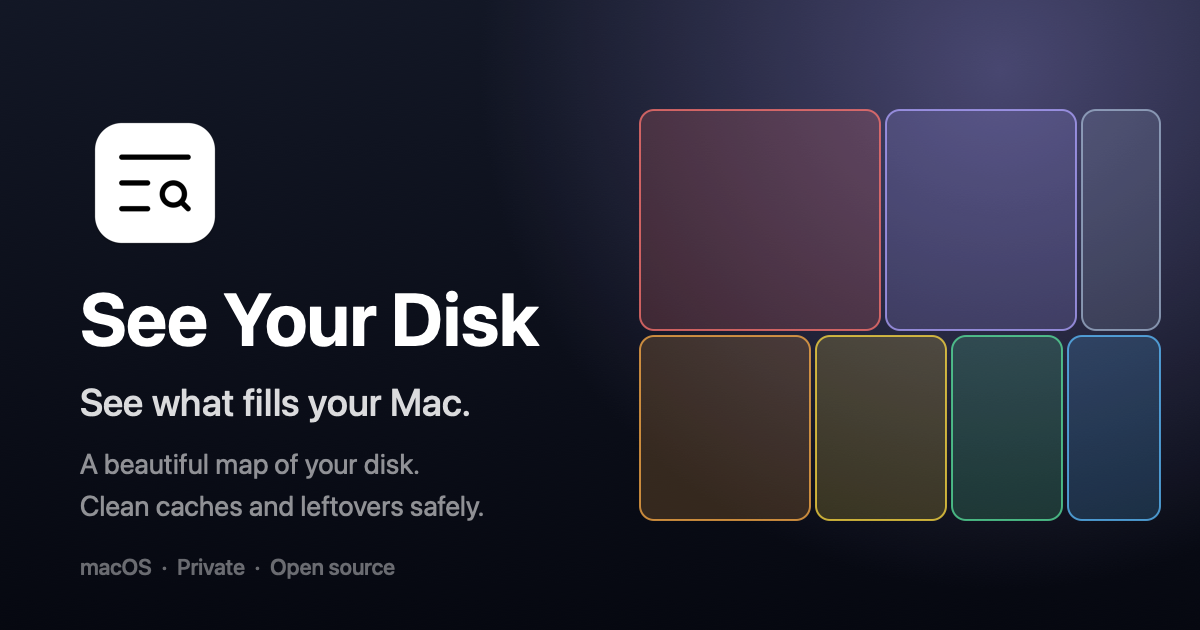

A Mac app that visualizes disk space and cleans safe files.
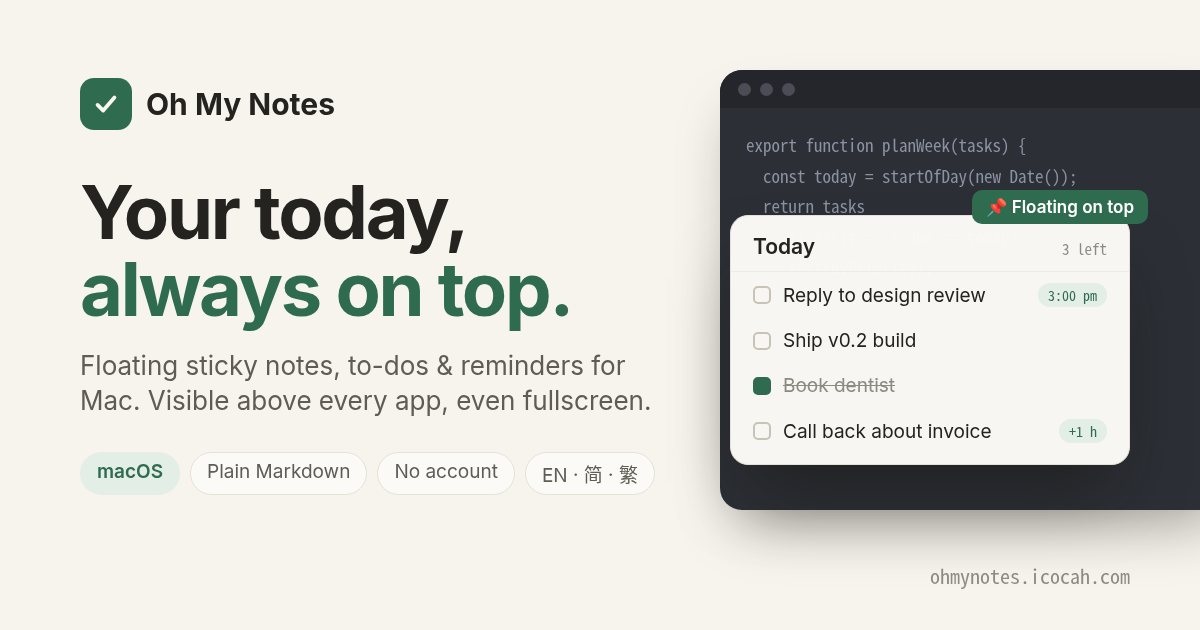

A floating Today layer for Mac with notes, to-dos and reminders above every app.