
TypeNod
Mac input method with on-device translation previews
TypeNod is a paid Mac input method. Type in Simplified Chinese Pinyin, English, Spanish or French, preview an on-device translation, then confirm insertion into the current compatible text field without switching windows or copying and pasting. Listed under Writing on UsefulShelf. Pricing: One-time purchase. Available on macOS.
https://usefulshelf.co/apps/typenod
Overview
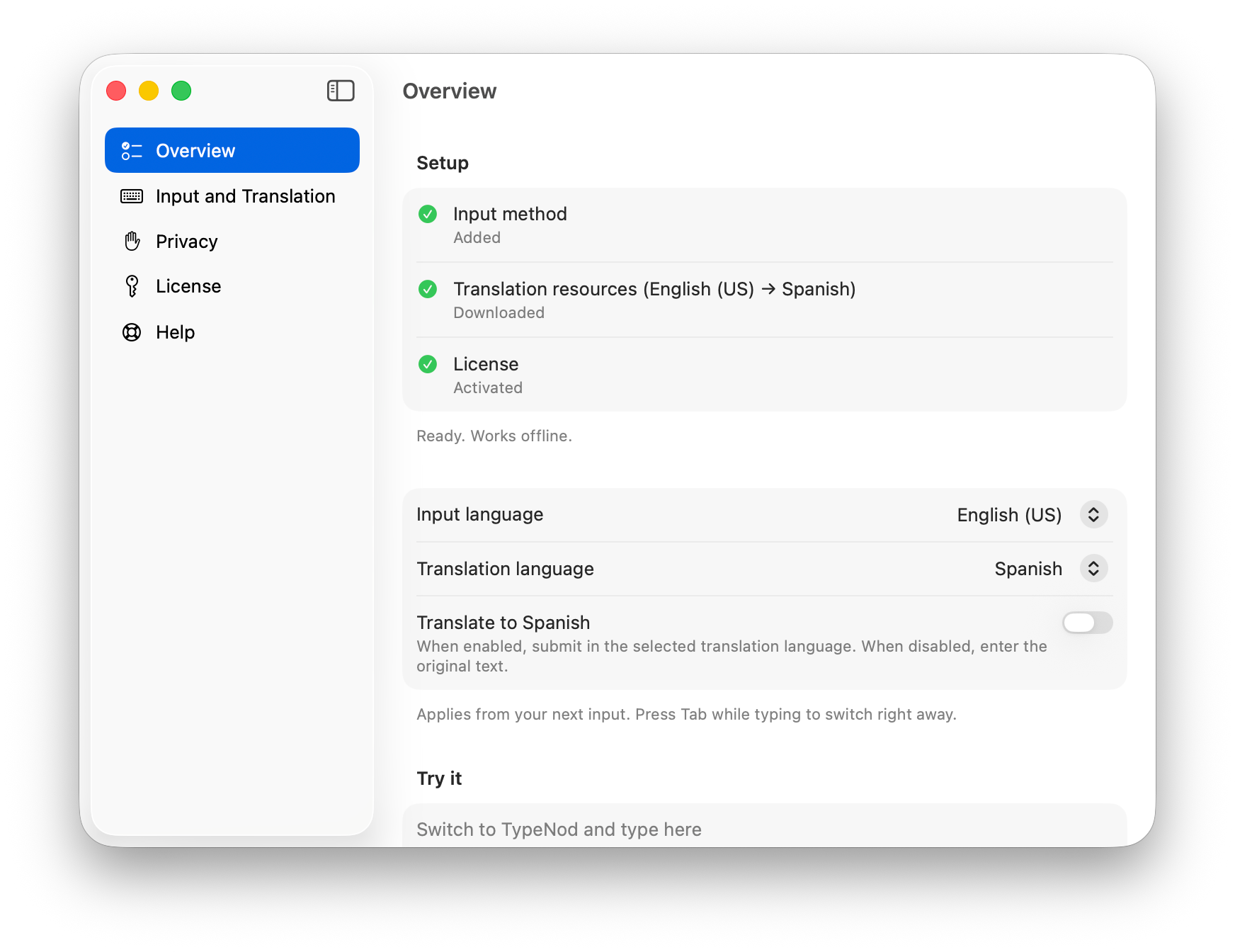
TypeNod is a paid Mac input method. Type in Simplified Chinese Pinyin, English, Spanish or French, preview an on-device translation, then confirm insertion into the current compatible text field without switching windows or copying and pasting.
Download the relevant Apple translation resources first. Supported language pairs depend on macOS local translation availability; supported translation works offline after the resources are downloaded. Requires macOS 26.0 or later on Intel or Apple silicon; sentence refinement requires 26.4 or later. Apps using standard macOS text input are supported; some nonstandard editors may not work.
Typed text is not uploaded and the clipboard is not read. A Pinyin user dictionary is stored locally. TypeNod is distributed from its official site as a signed, notarized DMG, not through the Mac App Store.
US$9.90 including tax buys a one-time lifetime Mac license for one person on every Mac they use, including future TypeNod for Mac app updates. No free trial; a full refund is available within 30 days. Future macOS compatibility is not guaranteed. The iPhone version is in development and is not included. Developed by SELFARK LTD.
Every listing is reviewed before it goes live. How review works
Frequently asked questions
What is TypeNod?
TypeNod is a paid Mac input method. Type in Simplified Chinese Pinyin, English, Spanish or French, preview an on-device translation, then confirm insertion into the current compatible text field without switching windows or copying and pasting.
How is TypeNod priced?
Its listing shows a one-time purchase pricing model. Check the official website for current plans and limits.
Where can I use TypeNod?
TypeNod is available on macOS.
Where is the official TypeNod website?
TypeNod is at typenod.com. UsefulShelf links to it directly from this page.
Ratings & reviews
Real experiences. A little perspective for your next pick.
Tried TypeNod?
Your experience can help someone find their next useful app.
Sign in to review One account. One honest review.One review per account. Makers can’t rate their own apps. Ratings reflect community opinions.
The first word could be yours.
Tried TypeNod? A few honest lines can make someone’s decision a little easier.
Share your experienceKeep exploring
More useful apps to discover.