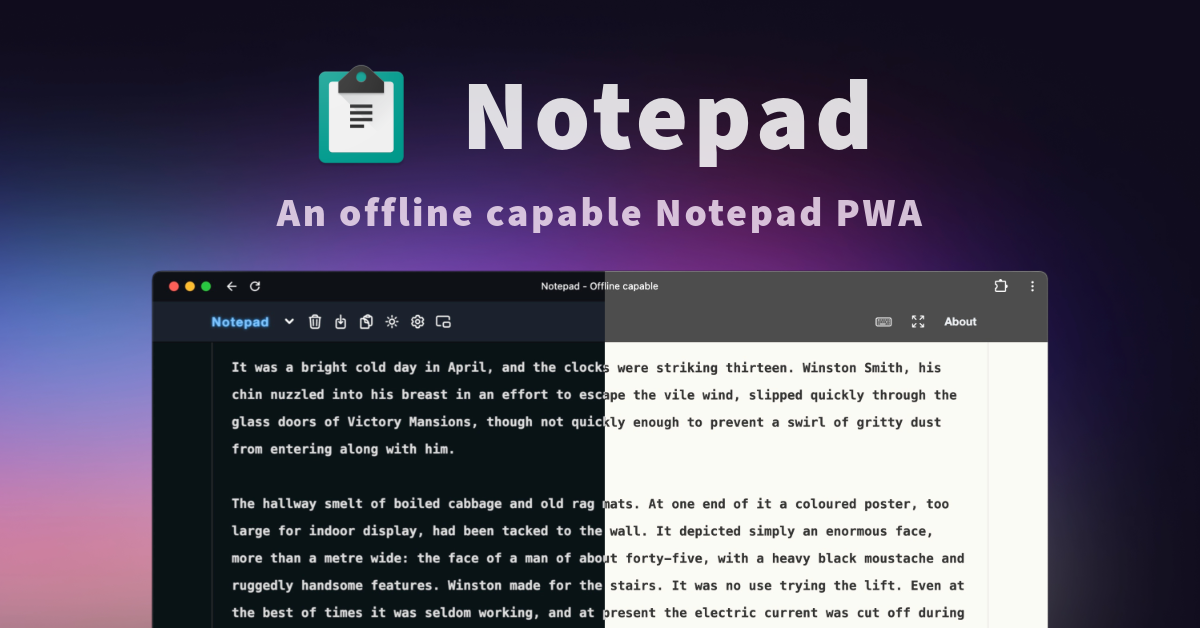

A free offline-capable web notepad for writing plain-text notes.
A free offline-capable web notepad for writing plain-text notes.

UI blocks, components, illustrations and spinners for React, Tailwind and shadcn.

AI localization platform for React, Next.js, Django, Vue, and React Native teams.

A web productivity tracker for goals, habits, tasks, and focus sessions.

Creates sprite sheets from character images, PNG frames, or MP4 video for game assets.

Generate Tesla Paint Shop wraps in 3D from text or a photo for Tesla owners.
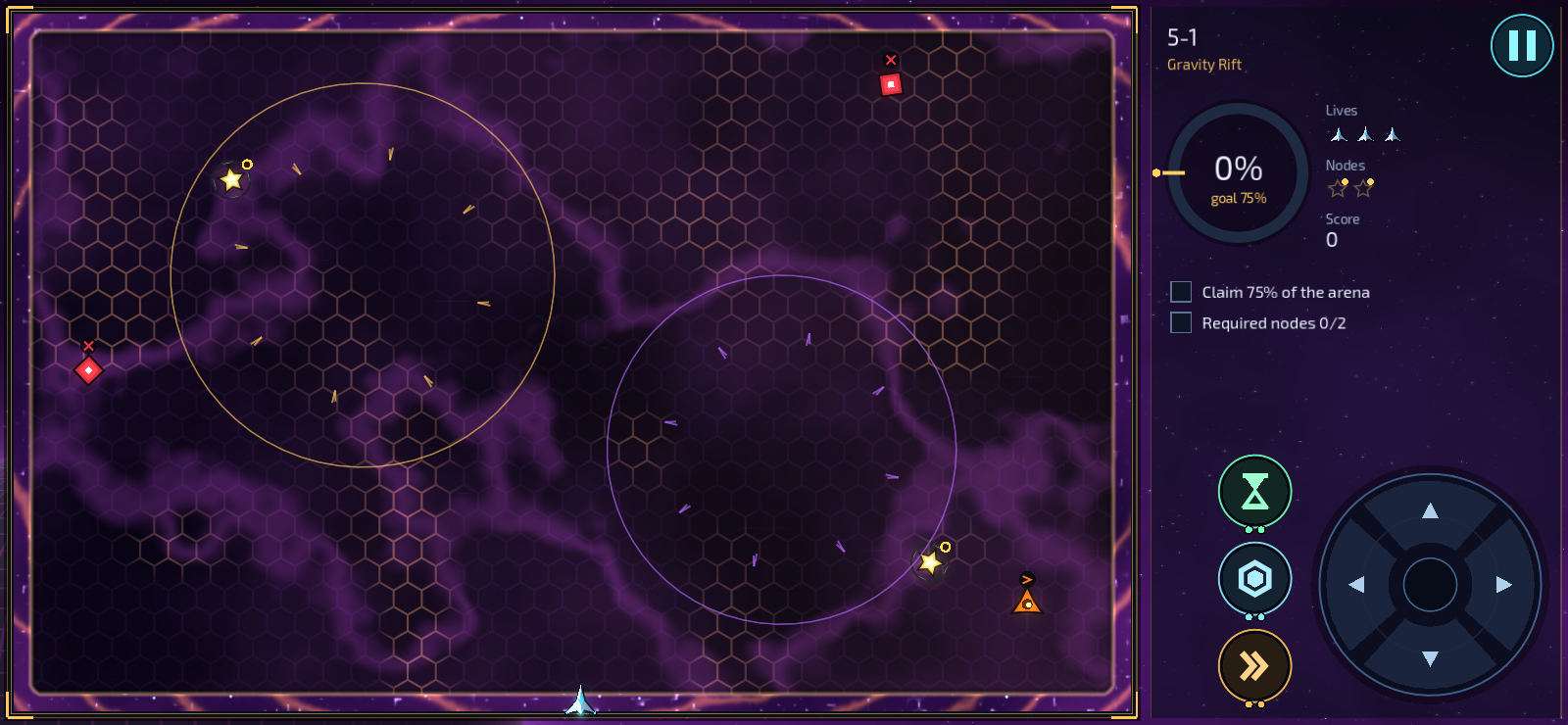
An Android arcade game where players capture territory across campaign, Endless, and Daily modes.

An Android word battle game where players connect letters to power fantasy battles.

109 free online tools that process files in your browser for PDF, image, video, text, and finance tasks.

Edit, sign and share PDF documents online for independent professionals and growing teams.

A web app for creating private AI lip-sync videos from video or photo inputs.
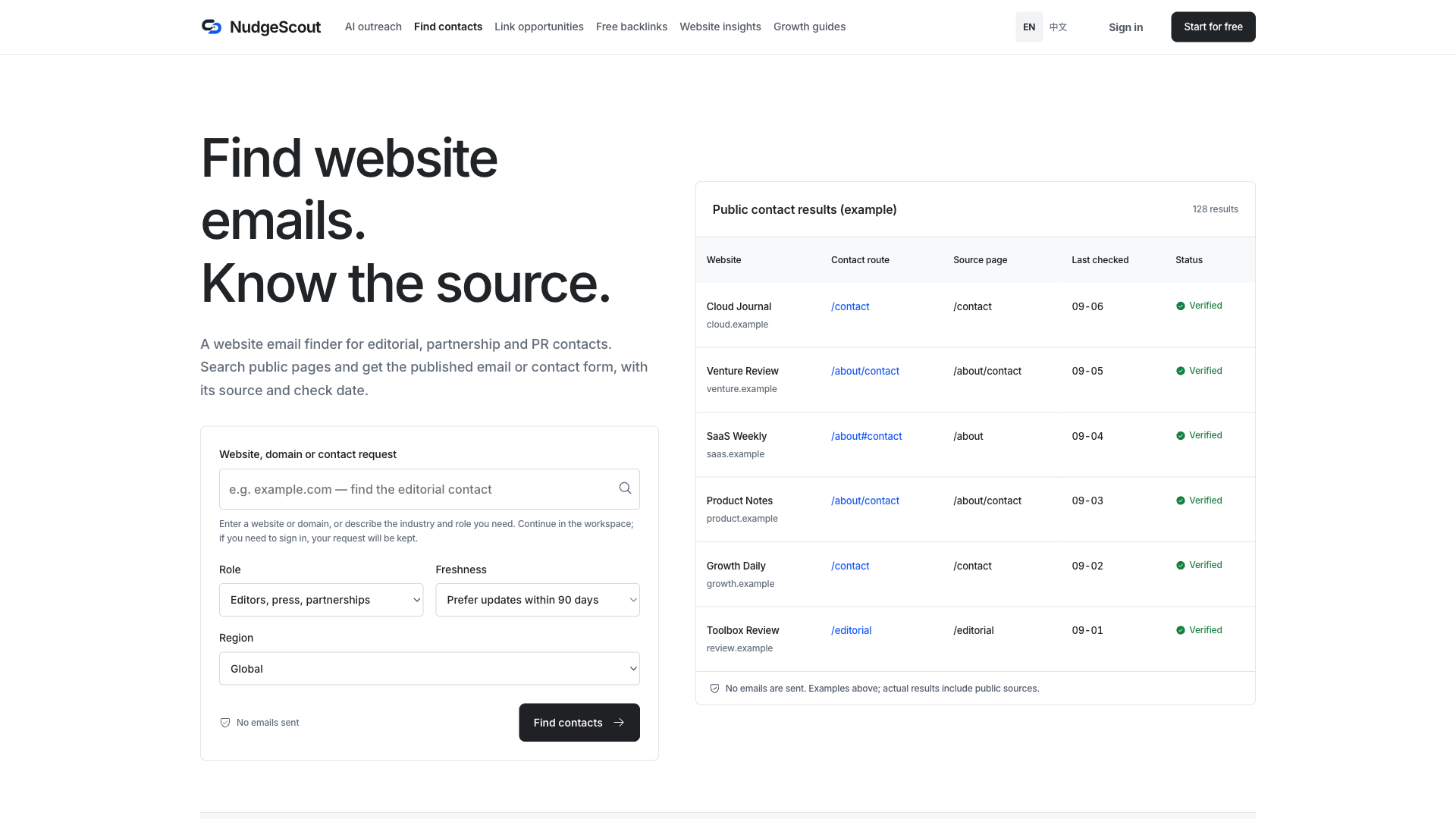
SEO link building software for finding websites, contacts, and tracking outreach replies.

A web app that unblurs images in the browser or with optional cloud processing.

An AI video upscaler for creators and restoration work in a web browser.
99–112 of 140 apps
For the makers
Put your product on a reviewed, public page with clear details, a category, structured data, and a direct website link. Built to be read by people, search engines, and AI search tools.
A listing supports discovery. It does not guarantee rankings or AI citations. Launching a campaign? Explore homepage ads.
Your coding agent can help, too.
Copy a prompt, paste it into your agent, and get your listing started.
Read https://usefulshelf.co/submit.md and help me list this project.
1. Connect UsefulShelf MCP and sign in. Get the listing options and check my saved apps so we reuse an existing listing.
2. Start with the public product URL. Draft its name, tagline, details and images using supported facts, and preserve my edits. Choose exactly one category for its main purpose: ai-tools, productivity, marketing, seo, directories, automation, boilerplates, developer-tools, writing, design, no-code, community, education, email-marketing, chrome-extensions, freelancer-tools, analytics, ai-agents, social, content-creation, finance, ecommerce, website-builders, ios, video, monitoring, remote-work, chatbots, blogging, sales, customer-support, developer-apis, building-products, productized-services, health, games, other. Add up to 10 tags only when the website confirms them (Pricing: free, free-trial, freemium, one-time-purchase, subscription, usage-based, lifetime-deal, custom-pricing; Platforms: web-app, android-app, ios-app, mac-app, windows-app, linux-app, browser-extension; Features: ai-powered, api, open-source, self-hosted; Tool type: cli, plugin, ide-extension, mcp-server, library).
3. Ask one missing question at a time and let me skip any of them: What does your app do? Who is it built for? What problem does it solve? How does someone use it? What can people do with it? What makes it different? When would someone use it? What does it cost? Where can people use it? Never invent missing facts.
4. Combine supported answers into a concise description of at most 2,000 characters including headings. Show the complete draft. Explain all three choices: tier="free", a free listing with a verified visible badge and priority above other free listings; tier="featured", $9 once for directory priority without a badge, with payment before automated review; tier="nofollow", a free listing without a badge. All require review. Featured and badge-verified free listings use dofollow website links; free listings without a badge use nofollow. Respect the user's choice and never switch plans without asking. Get my confirmation before submitting or updating.
5. Save first, keep the listing ID, then follow the chosen plan's review, badge or checkout steps. Report whether it is public or private and the next action. Never promise rankings or AI recommendations.
A few useful answers
UsefulShelf is a reviewed directory of useful apps and websites. Each published listing gets a public, server-rendered page with clear product details, a category, structured data and a direct website link, so people, search engines and AI search tools can read what the app does. Connected agents can also search live listings through MCP.
Every app is reviewed before it appears. Review checks that the submitted website is a real, working product with a clear purpose. Placeholders, spam, adult, gambling and crypto sites are not accepted, and unapproved listings stay private.
Featured listings appear first, followed by free badge-verified listings, then free without badge listings. Within each group, newer published apps appear first. A verified Featured tick marks an upgraded listing. The order reflects listing plans, not a quality ranking. Every app passes the same review.
Search by name, use case or feature, or browse the categories. Each app page shows what the app does, its category and tags, and a direct link to its website. AI agents connected through MCP can search the same live listings.
Ads are cards labeled Sponsored, shown across public pages and never as the first card in a feed; their website links use sponsored nofollow. Featured and badge-verified free listings use dofollow website links; free listings without a badge use nofollow.
Yes. Submit it through the website form or a connected AI agent. Choose free with a verified badge, or Featured. Every plan requires review approval, and the pricing page compares them.