
Jot
Capture notes in a keystroke as plain markdown files on your Mac
Jot is a local-first notes inbox for Mac. It captures anything in a keystroke and saves it as a plain markdown file in a folder you own. Listed under Productivity on UsefulShelf. Pricing: Free trial and One-time purchase. Available on macOS.
https://usefulshelf.co/apps/jot
Overview
Jot is a local-first notes inbox for Mac. It captures anything in a keystroke and saves it as a plain markdown file in a folder you own.
The problem
Jot solves the problem of quickly capturing notes, ideas, or information without disrupting the current workflow.
How it works
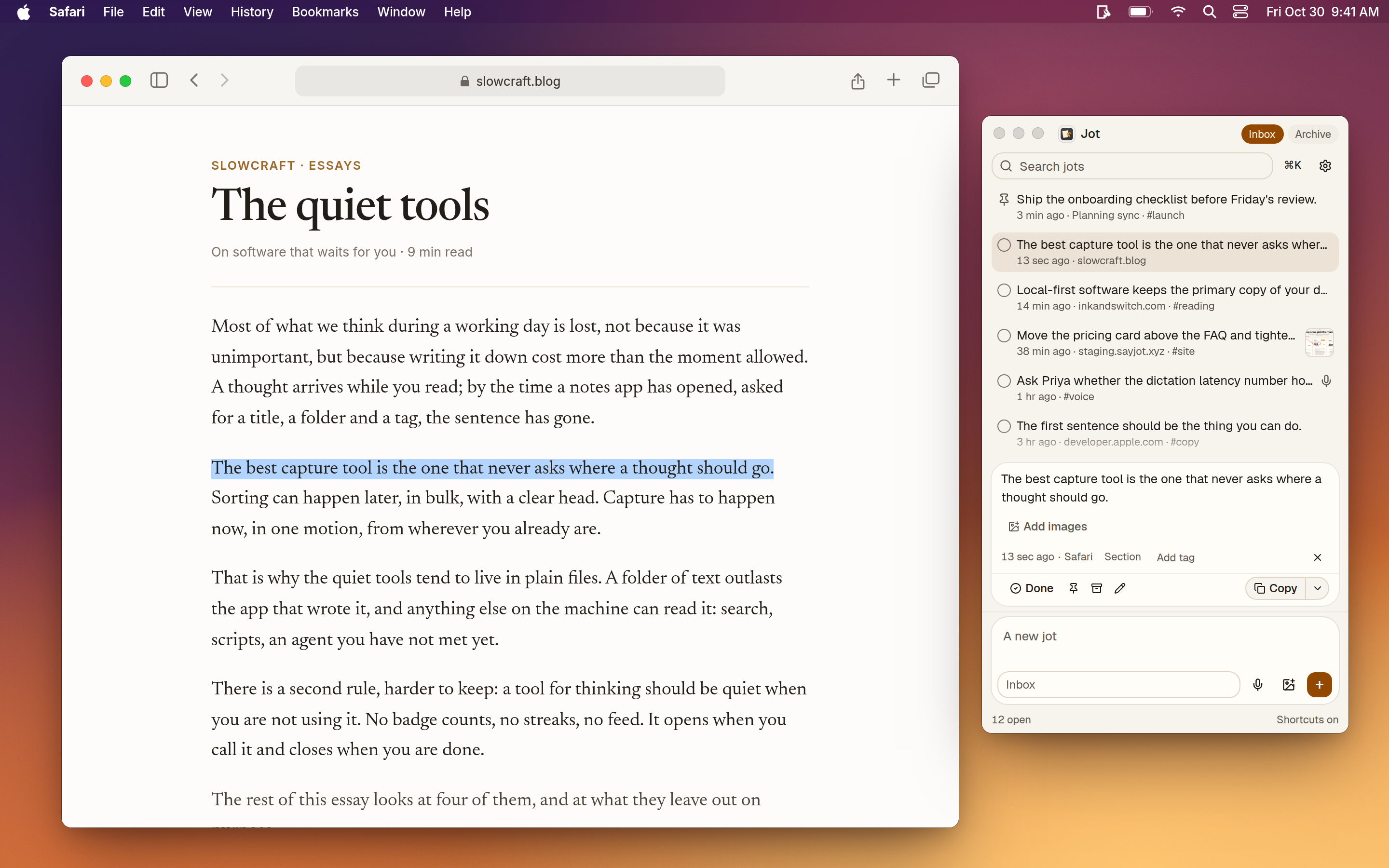
To use Jot, select text or an image, press Shift twice, and it captures the selection as a plain markdown file in a designated folder.
Key features
- Capture notes with a keystroke.
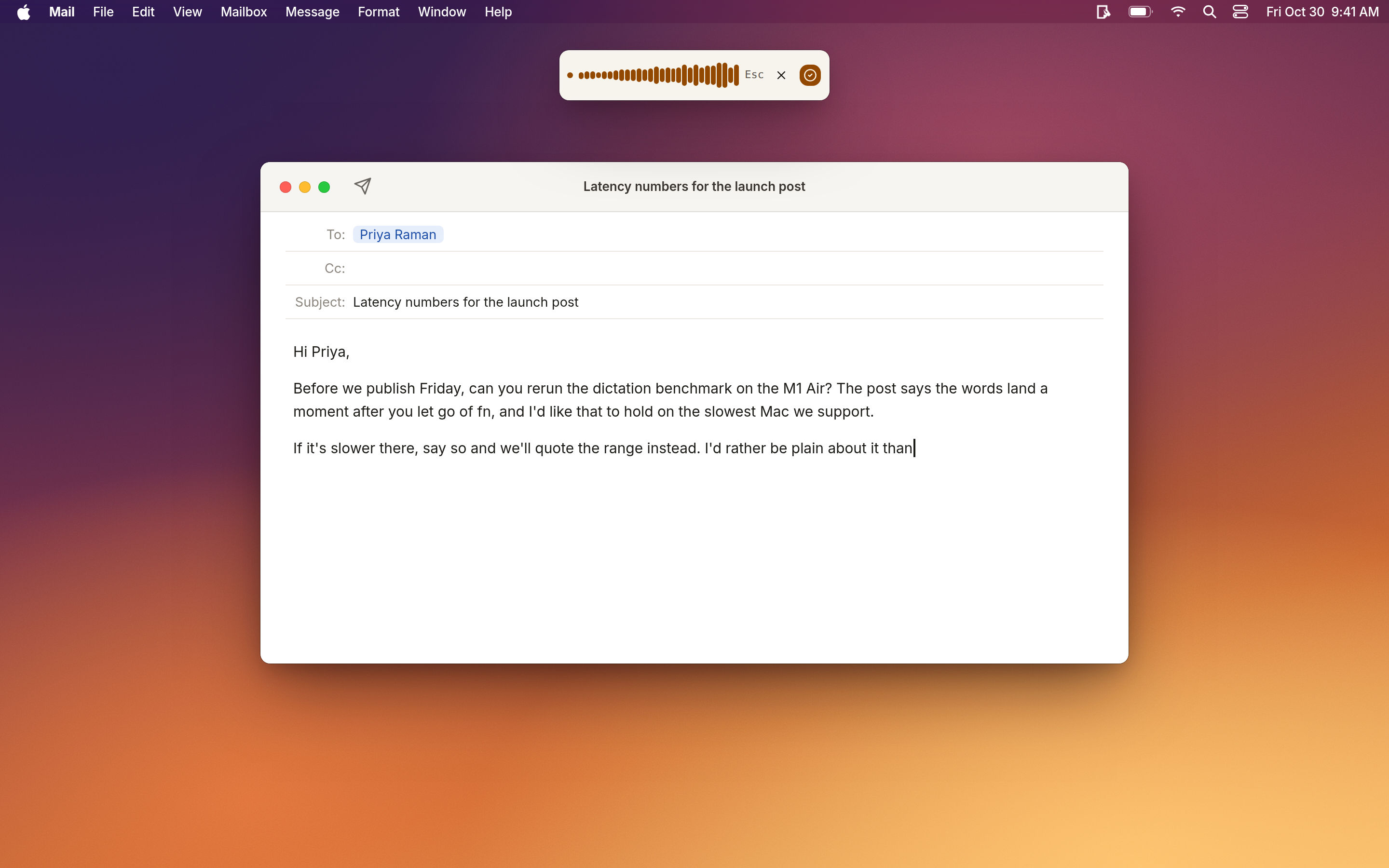
- Dictate notes using voice commands.
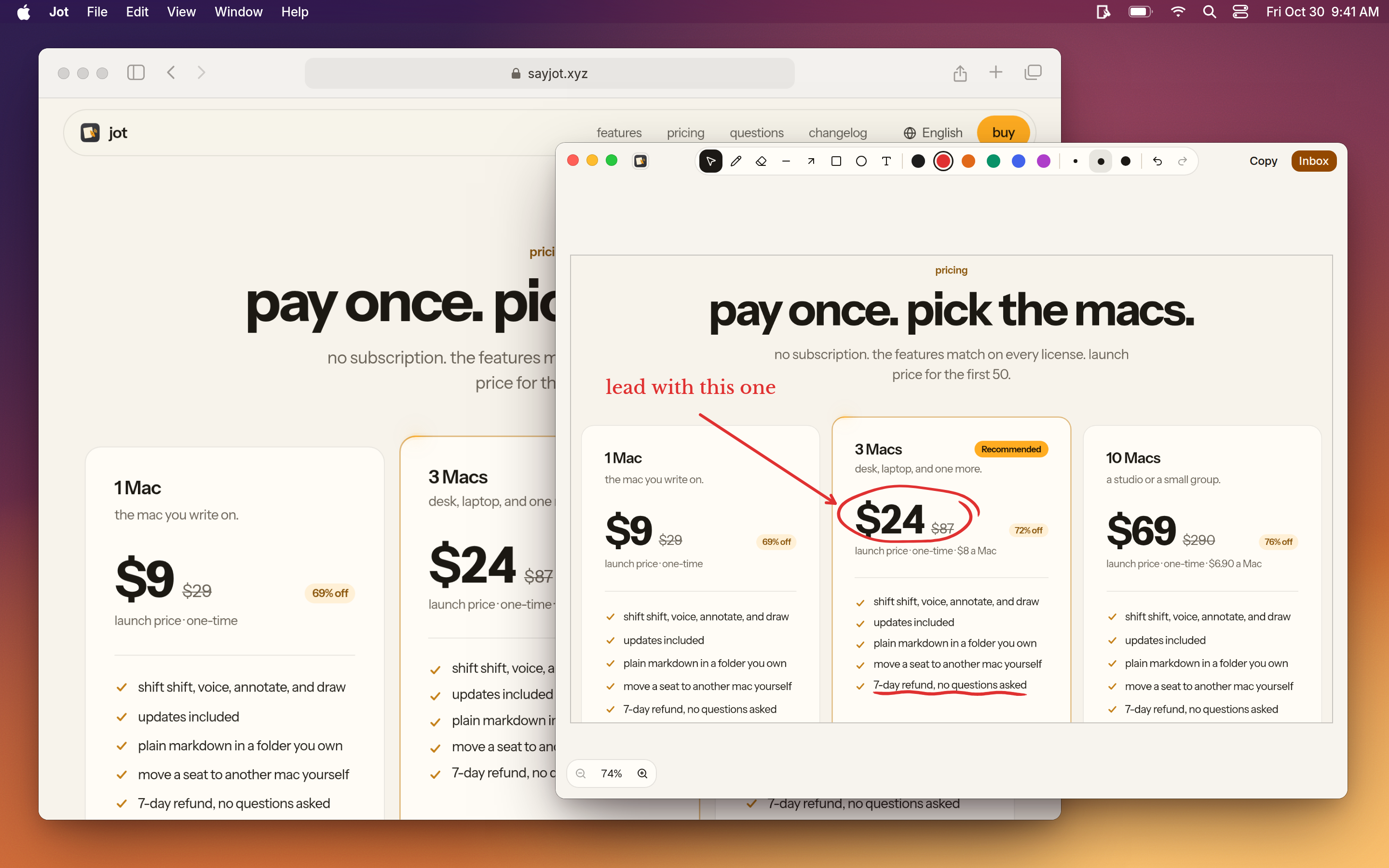
- Annotate screenshots and save them as notes.
- Send notes to AI agents for further processing.
What makes it different
Jot is different because it saves notes as plain markdown files in a local folder, ensuring no account or sync is required.
Use cases
- Students can capture lines from readings or slides.
- Writers can jot down sentences while working in another app.
- Developers can save errors, paths, or commands and send them to AI agents.
Every listing is reviewed before it goes live. How review works
Frequently asked questions
What is Jot?
Jot is a local-first notes inbox for Mac. It captures anything in a keystroke and saves it as a plain markdown file in a folder you own.
Who is Jot for?
Jot is built for students, writers, developers, researchers and anyone who uses more than one Mac.
How does Jot work?
To use Jot, select text or an image, press Shift twice, and it captures the selection as a plain markdown file in a designated folder.
What makes Jot different?
Jot is different because it saves notes as plain markdown files in a local folder, ensuring no account or sync is required.
When would someone use Jot?
- Students can capture lines from readings or slides. - Writers can jot down sentences while working in another app. - Developers can save errors, paths, or commands and send them to AI agents.
What are the key features of Jot?
Capture notes with a keystroke. Dictate notes using voice commands. Annotate screenshots and save them as notes. Send notes to AI agents for further processing.
How is Jot priced?
Its listing shows a free trial and one-time purchase pricing model. Check the official website for current plans and limits.
Where can I use Jot?
Jot is available on macOS.
What technical traits does Jot have?
Jot is tagged as AI-powered.
What kind of tool is Jot?
Jot is a cli and mcp server.
Where is the official Jot website?
Jot is at sayjot.xyz. UsefulShelf links to it directly from this page.
Ratings & reviews
Real experiences. A little perspective for your next pick.
Tried Jot?
Your experience can help someone find their next useful app.
Sign in to review One account. One honest review.One review per account. Makers can’t rate their own apps. Ratings reflect community opinions.
The first word could be yours.
Tried Jot? A few honest lines can make someone’s decision a little easier.
Share your experienceKeep exploring
More useful apps to discover.