LeadScore
AI lead scoring for websites that tells teams which form submissions to call first.
LeadScore captures website form submissions, scores each lead 0-100 with AI, and ranks them hottest-first. It also provides summaries, suggested replies, and alerts for hot leads. Listed under Sales on UsefulShelf. Pricing: Free trial and Subscription. Available on Web.
https://usefulshelf.co/apps/leadscore
Overview
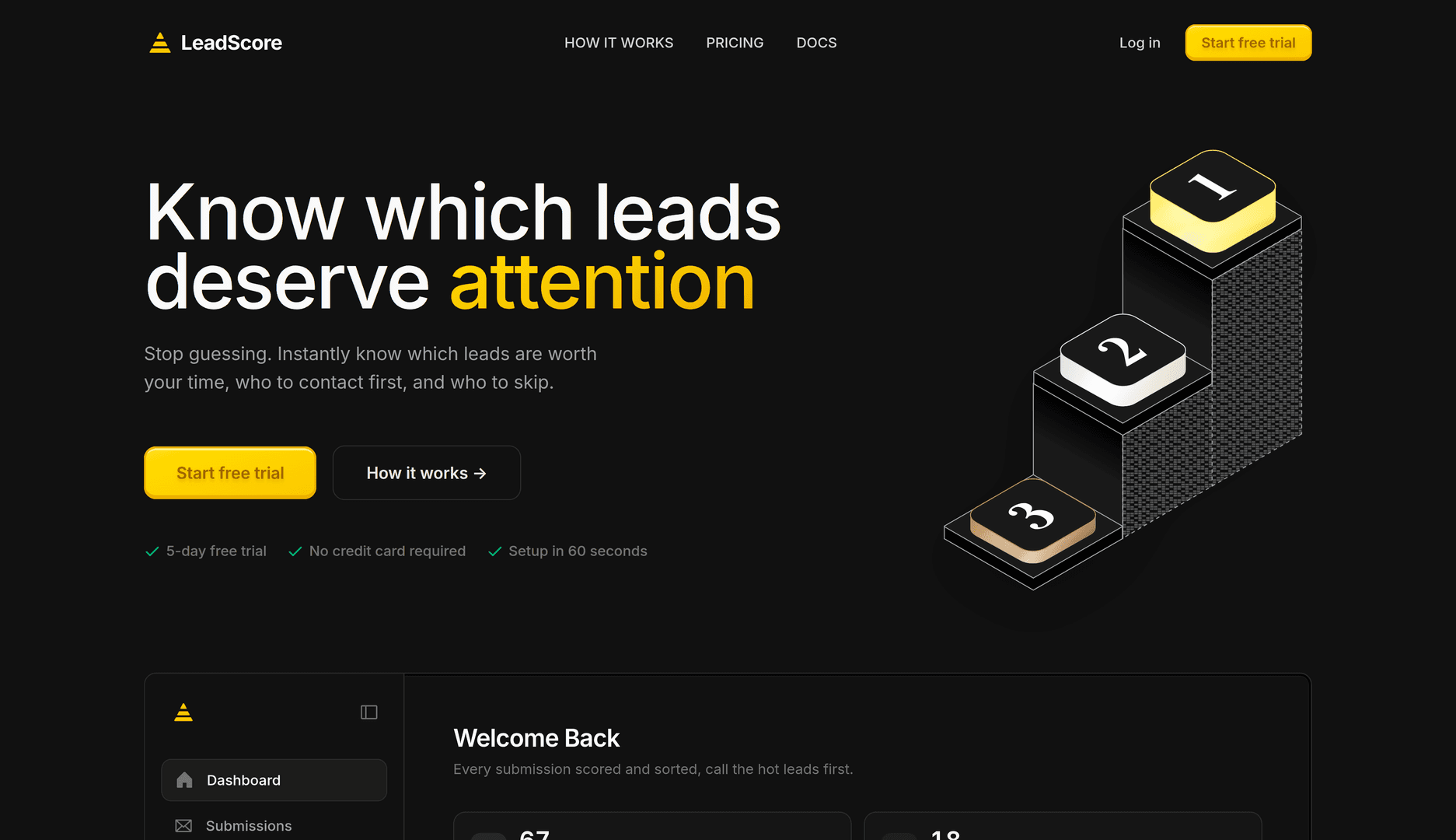
LeadScore captures website form submissions, scores each lead 0-100 with AI, and ranks them hottest-first. It also provides summaries, suggested replies, and alerts for hot leads.
The problem
It helps users decide which inbound leads are worth calling first instead of sorting submissions manually.
How it works
Add a site in the dashboard, paste a script tag before the closing body tag, and let LeadScore capture submissions automatically. Then open the dashboard to review scores and contact the hottest leads first.
Key features
- Captures form submissions automatically from a website
- Scores leads 0-100 and classifies them hot, warm, cold, or spam
- Summarizes submissions and suggests replies
- Ranks leads hottest-first and sends Slack or email alerts
What makes it different
It works with any website where a script tag can be added and does not require a CRM.
Use cases
Prioritizing inbound leads from website forms; scoring leads for freelancers, small teams, and agencies
Every listing is reviewed before it goes live. How review works
Frequently asked questions
What is LeadScore?
LeadScore captures website form submissions, scores each lead 0-100 with AI, and ranks them hottest-first. It also provides summaries, suggested replies, and alerts for hot leads.
Who is LeadScore for?
Freelancers, small teams, and agencies.
How does LeadScore work?
Add a site in the dashboard, paste a script tag before the closing body tag, and let LeadScore capture submissions automatically. Then open the dashboard to review scores and contact the hottest leads first.
What makes LeadScore different?
It works with any website where a script tag can be added and does not require a CRM.
When would someone use LeadScore?
Prioritizing inbound leads from website forms; scoring leads for freelancers, small teams, and agencies.
What are the key features of LeadScore?
Captures form submissions automatically from a website. Scores leads 0-100 and classifies them hot, warm, cold, or spam. Summarizes submissions and suggests replies. Ranks leads hottest-first and sends Slack or email alerts.
How is LeadScore priced?
Its listing shows a free trial and subscription pricing model. Check the official website for current plans and limits.
Where can I use LeadScore?
LeadScore is available on Web.
What technical traits does LeadScore have?
LeadScore is tagged as AI-powered.
Where is the official LeadScore website?
LeadScore is at leadscore.icu. UsefulShelf links to it directly from this page.
Ratings & reviews
Real experiences. A little perspective for your next pick.
Tried LeadScore?
Your experience can help someone find their next useful app.
Sign in to review One account. One honest review.One review per account. Makers can’t rate their own apps. Ratings reflect community opinions.
The first word could be yours.
Tried LeadScore? A few honest lines can make someone’s decision a little easier.
Share your experienceKeep exploring
More useful apps to discover.