
VideoBGRemover
Removes video backgrounds online and lets users preview or export transparent clips.
VideoBGRemover removes the background from uploaded videos and produces transparent or composited output. Users can preview the result, keep audio, and download or export the finished clip. Listed under Video on UsefulShelf. Pricing: Free, Free trial, One-time purchase and Subscription. Available on Web.
https://usefulshelf.co/apps/videobgremover
Overview
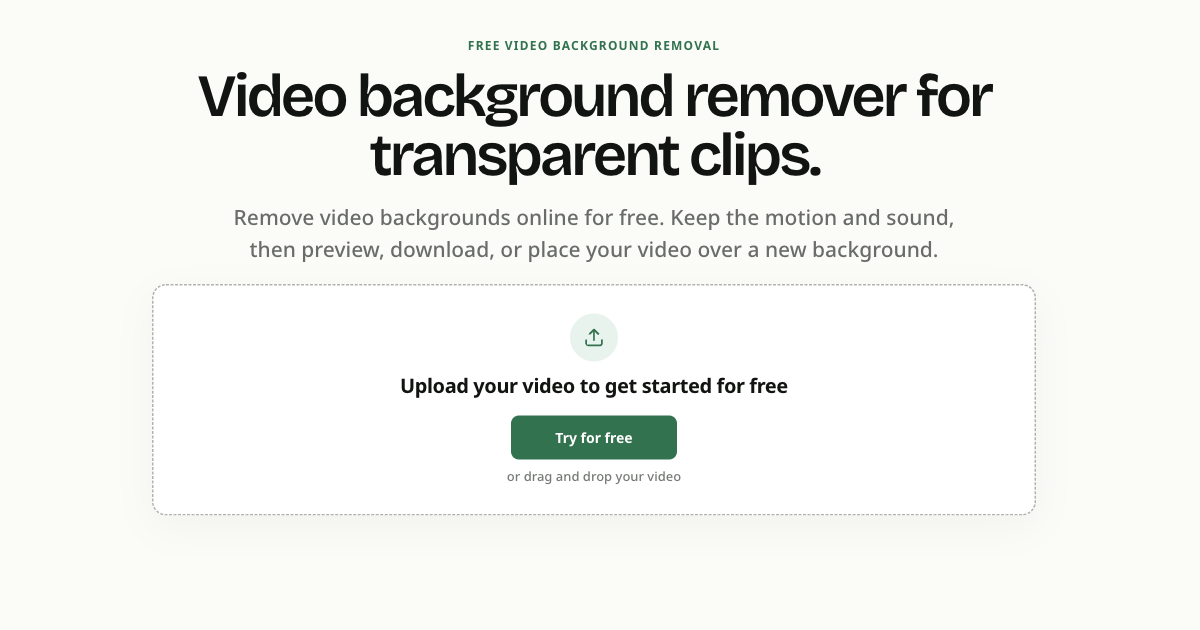
VideoBGRemover removes the background from uploaded videos and produces transparent or composited output. Users can preview the result, keep audio, and download or export the finished clip.
The problem
It removes recorded video backgrounds without frame-by-frame masking or a green screen.
How it works
Upload a video, select the clip, let the tool remove the background, then review and export a transparent or composited result.
Key features
- Removes ordinary recorded video backgrounds from uploaded clips
- Preserves audio during processing
- Lets users preview transparency or a new background before download
- Exports transparent WebM, transparent ProRes 4444 MOV, or composited MP4
What makes it different
The page says uploads are checked for media details before upload, and processing can continue in the background after the page is closed.
Use cases
Remove a room or office background from talking-head videos; create reusable presenter clips for tutorials, explainers, and marketing creative.
Every listing is reviewed before it goes live. How review works
Frequently asked questions
What is VideoBGRemover?
VideoBGRemover removes the background from uploaded videos and produces transparent or composited output. Users can preview the result, keep audio, and download or export the finished clip.
Who is VideoBGRemover for?
People creating reusable video clips, including presenters, product demos, tutorials, explainers, and marketing creative.
How does VideoBGRemover work?
Upload a video, select the clip, let the tool remove the background, then review and export a transparent or composited result.
What makes VideoBGRemover different?
The page says uploads are checked for media details before upload, and processing can continue in the background after the page is closed.
When would someone use VideoBGRemover?
Remove a room or office background from talking-head videos; create reusable presenter clips for tutorials, explainers, and marketing creative.
What are the key features of VideoBGRemover?
Removes ordinary recorded video backgrounds from uploaded clips. Preserves audio during processing. Lets users preview transparency or a new background before download. Exports transparent WebM, transparent ProRes 4444 MOV, or composited MP4.
How is VideoBGRemover priced?
Its listing shows a free, free trial, one-time purchase and subscription pricing model. Check the official website for current plans and limits.
Where can I use VideoBGRemover?
VideoBGRemover is available on Web.
What technical traits does VideoBGRemover have?
VideoBGRemover is tagged as AI-powered.
Where is the official VideoBGRemover website?
VideoBGRemover is at videobgremover.net. UsefulShelf links to it directly from this page.
Ratings & reviews
Real experiences. A little perspective for your next pick.
Tried VideoBGRemover?
Your experience can help someone find their next useful app.
Sign in to review One account. One honest review.One review per account. Makers can’t rate their own apps. Ratings reflect community opinions.
The first word could be yours.
Tried VideoBGRemover? A few honest lines can make someone’s decision a little easier.
Share your experienceKeep exploring
More useful apps to discover.