UsefulShelf
From the shelf
ihatepdf.cv: Edit a PDF CV and Check the Export
Make a small PDF text correction, preserve the original and verify that the downloaded CV stays readable, searchable and complete.
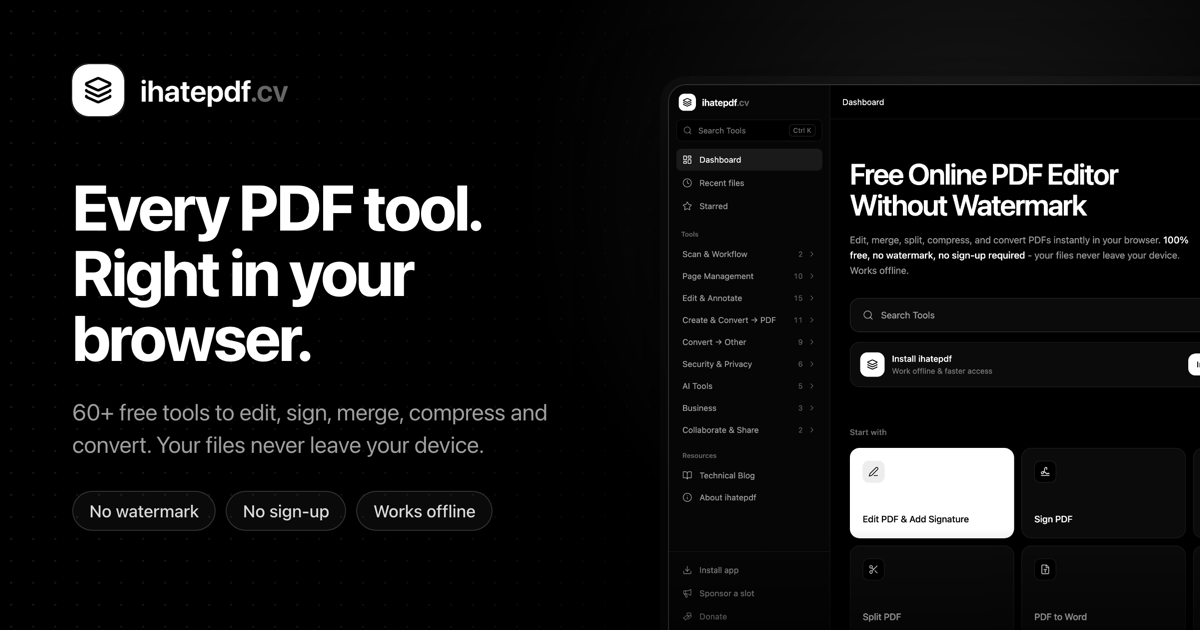
For a small change to a PDF CV, such as correcting a phone number or adding a link, a browser PDF editor can be enough. ihatepdf.cv lists editing, merging and other PDF tools with a free editing workflow. Keep the original file so you can compare the result and undo a change without rebuilding the document.
Decide whether the PDF is the right source
If you have the original document, a substantial rewrite is usually easier there. Replacing several paragraphs inside a fixed PDF layout can create awkward spacing and font mismatches.
For a small correction, duplicate the PDF and give the working copy a clear filename. Confirm whether the existing words are selectable text or part of a scanned image; that affects which editing tools can help.
- Open the relevant PDF editing tool and select the working copy.
- Make one correction and inspect the surrounding line breaks.
- Export a new file instead of replacing your only original.
Check what remains underneath
Adding a white rectangle over old text is not the same as removing that text from the file. If the goal is to hide confidential information, use a tool that explicitly supports redaction and verify the result by searching and copying text afterward.
For ordinary CV edits, keep the visual style consistent and check long links or email addresses for clipping. Inspect every page rather than assuming the first page represents the whole export.
Verify the downloaded document
Open the download in another PDF reader, search for the corrected wording and copy a line into a plain text editor. Check links, page count and readable text at normal zoom. These checks catch problems that a canvas preview can miss.
Privacy depends on the particular tool. The site offers local browser PDF operations alongside AI features, including a Chat with PDF workflow that names Gemini. Read the selected feature’s processing information before opening a sensitive document; do not assume every tool has the same local-only behavior.
Sources and current product details
Check the maker’s current documentation for availability, limits and pricing.