From the shelf
Rotware: Make a Launch Meme That Still Explains the Product
Turn one recognizable user frustration into a readable meme, then check the crop, caption and export before sharing.
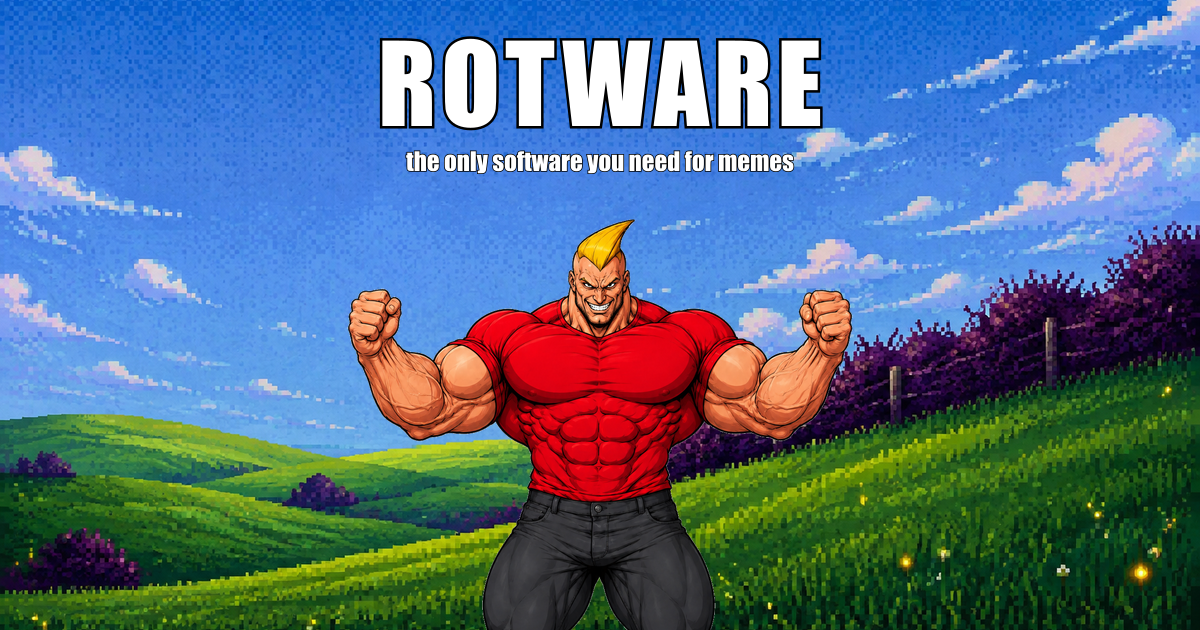
A launch meme works when the audience recognizes the situation before it sees the product link. Rotware offers meme templates and editing, including GIF and video workflows, with AI generation on paid plans. Start with a specific frustration your users already describe rather than trying to fit every feature into a joke.
Choose one recognizable moment
Write the situation in plain language first: “I opened six tabs to find the link I saved yesterday.” Then choose a format that makes the contrast easy to understand. The product can appear in the accompanying caption; it does not need to dominate the image.
Avoid a joke that depends on an invented customer result. “Me checking the same spreadsheet again” is a relatable situation. “Our app doubled everyone’s revenue” is a measurable claim requiring evidence.
- Pick a template or image you have permission to use.
- Draft the shortest caption that preserves the joke.
- Preview it at the size it will occupy in a social feed.
Make the text survive the crop
Keep the key words away from edges and interface overlays. Check text against both bright and dark parts of the image. If a viewer must enlarge the post to read the punchline, shorten the wording or choose a simpler composition.
For motion, leave enough time to read each caption. The first frame should explain the setup without sound. A brief accompanying description also helps people who cannot see the visual clearly.
Inspect the file and the offer
Rotware’s plan information distinguishes its free watermarked output from paid features. Confirm the export you need before building a campaign around it; do not assume every preview format is included in every plan.
Open the downloaded file and check the entire loop or clip. Verify the destination link separately, then use a caption that explains what the product does and who it helps. A funny post is a starting point for discovery, not evidence that people understood the offer.
Sources and current product details
Check the maker’s current documentation for availability, limits and pricing.