UsefulShelf
Startup marketing
Startup Marketing: A SaaS Launch Plan & Free Tools
A first-month plan for a small SaaS team: choose one audience, make a useful demo, launch in the right place, and measure what happens next.
You can lose a week preparing a launch without learning whether anyone needs your app. There is always another directory to submit to, another social post to schedule, or another headline to rewrite. None of those tells you where a prospective customer got stuck.
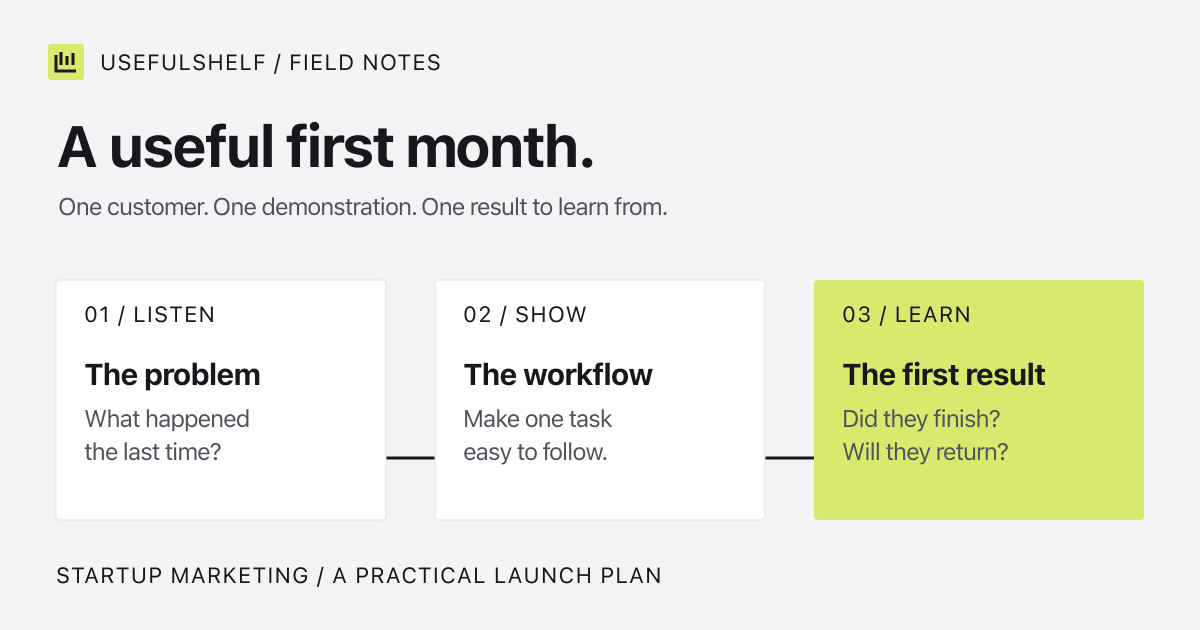
A useful first-month startup marketing plan should leave you with three things: a specific customer to talk to, a demonstration they understand, and a record of what happened after they tried the product. Here is how we would structure that work for a small SaaS team.
A startup marketing strategy starts with a task
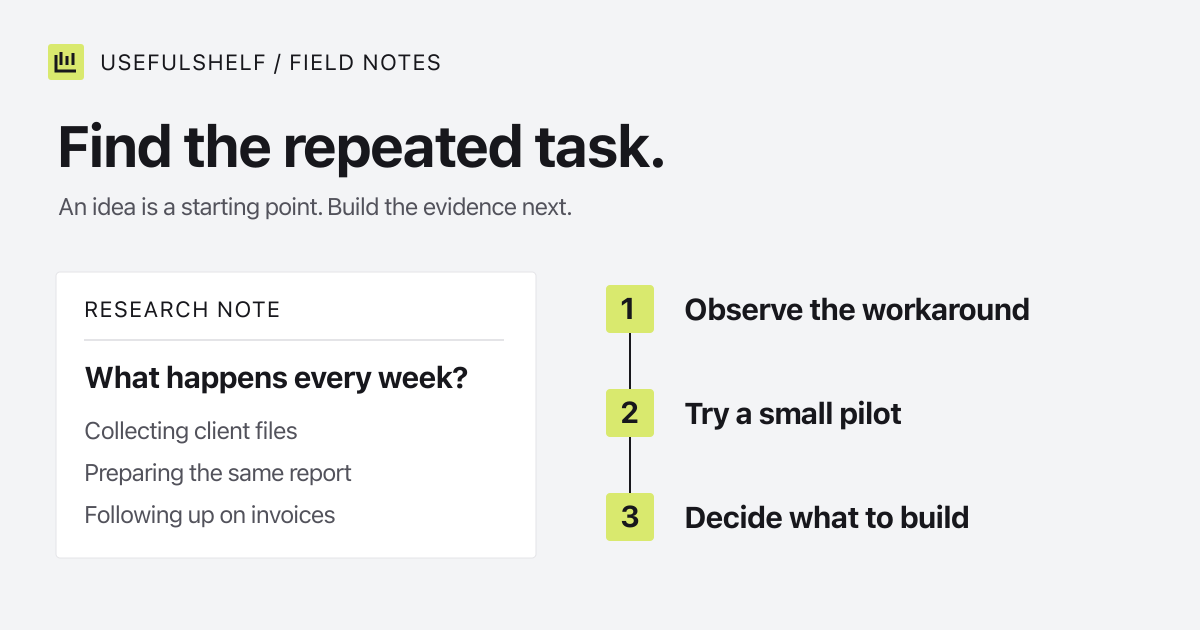
“Productivity for everyone” gives you very little to work with. “Help a freelance designer follow up on overdue invoices” tells you whom to interview, which screen to demonstrate, and what a useful first session looks like.
Use that invoice app as a worked example throughout this guide. It is an example, not a customer case study. Its first positioning draft could be:
See which invoices need a follow-up, review the reminder, and send it without rebuilding your client spreadsheet.
Before publishing the sentence, show it to someone who does this work. Ask them to walk through their last overdue invoice. Did they forget the follow-up, lack the right contact, or deliberately delay it because of a client relationship? Those are different problems. A reminder feature only helps with some of them. If you are still choosing the problem, start with how to find micro SaaS ideas.
For B2B startup marketing, also ask who chooses the software. The person sending invoices might need approval from a manager or accountant. Give that buyer accurate pricing and a clear explanation of where the product fits into the existing process.
How to market a SaaS product with one useful demo
Show the task you just discussed. For the invoice example, start with an overdue invoice, draft a reminder, and finish with a visible confirmation. Skip the dashboard tour unless the dashboard is essential to understanding that result.
A short recording can follow this script:
- Problem: “This invoice is overdue, and I need to follow up.”
- Action: show selecting the invoice and reviewing the recipient and message.
- Result: show the reminder’s status and where the next follow-up lives.
- Invitation: point to the same workflow in your trial or demo account.
Use sample customer details. Watch the exported video at phone size: if the viewer cannot read the amount or follow the pointer, crop or zoom into the relevant area. Our Better Shot recording guide walks through this preparation for Mac users.
Turn one clear frame into a supporting image for your launch post. Give it a caption that explains the result. The Screenshot Studio guide covers framing and annotations without making the interface too small to read.
How to launch a product without losing the first users
Open your site in a private browser window and follow the exact link you plan to share. Complete signup and the first task. Check the same journey on a phone. A broken verification email or confusing empty state can waste a well-prepared announcement.
- Prepare a plain-language description, accurate pricing, a screenshot, and one working destination URL.
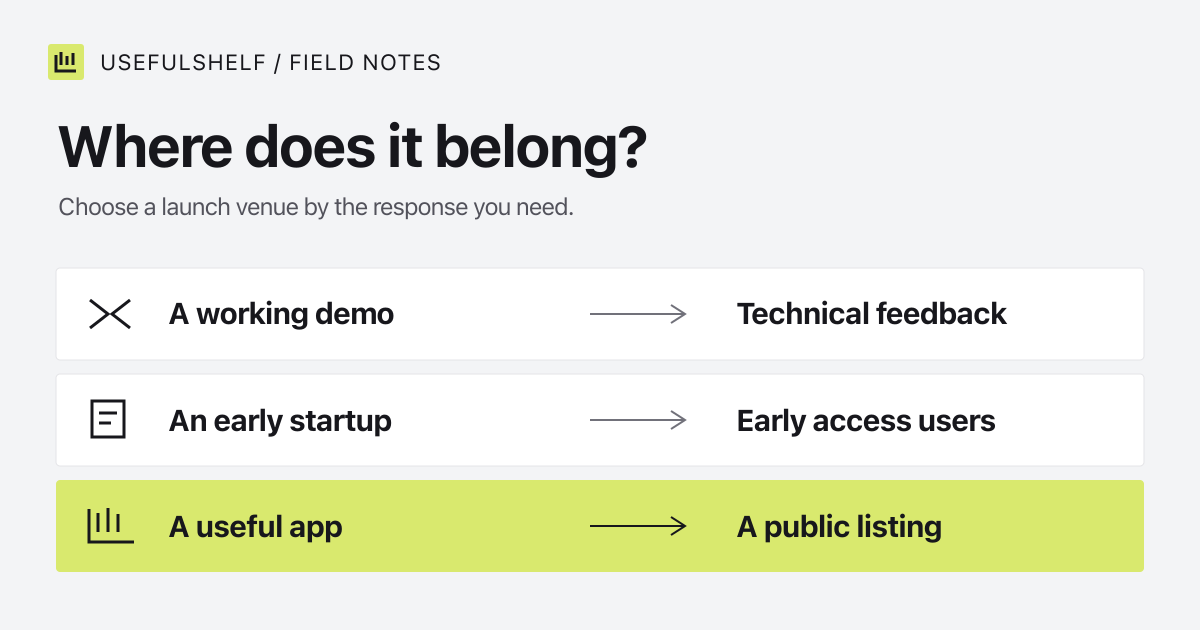
- Choose a venue whose visitors could use the product. Our Product Hunt alternatives guide compares different launch situations.
- Leave time to answer questions and fix problems on launch day.
- Write down the source of each signup and the useful action you want to observe afterward.
If you launch on Product Hunt, use its preparation guide to check the required assets. Its promotion rules prohibit rewarding upvotes. Build the announcement around something people can try and discuss.
Free marketing tools for startups: start with four jobs
You do not need a subscription for every stage of this plan. Choose tools after deciding what you need to measure or produce. These free-plan details were checked on September 28, 2026; the linked provider pages are the place to confirm changes.
| Job | Tool | What to know |
|---|---|---|
| Understand search visits | Google Search Console | Free search and indexing reports for a verified site. It does not measure every acquisition channel. |
| Collect structured feedback | Tally | Free forms and submissions under fair-use rules. Custom domains and removing branding require a paid plan. |
| Schedule social posts | Buffer | Three channels and ten queued posts per channel on the free plan. Published posts release queue slots. |
| Prepare website metadata | UsefulShelf free tools | Generate tags with the meta tag generator and check a snippet with the SERP preview tool, without an account. Review and install the output yourself. |
A spreadsheet is enough for your experiment log. Record the date, audience, channel, message, time spent, and result. Add a paid tool when a task you repeatedly perform has outgrown the free option.
A 30-day startup marketing plan you can adapt
Week one: listen and fix the first use. Speak to a few people who do the task. Rewrite the page using their concrete problems. Fix anything that stops a new visitor from reaching the first useful result.
Week two: make the explanation. Record the demo, prepare a readable launch image, and publish one tutorial answering a question you heard. Check the links and event tracking before sharing them.
Week three: run one distribution experiment. Launch in a relevant venue or contribute a useful walkthrough to a community that permits it. Give each channel a distinct tracking link. Record questions, not just clicks.
Week four: follow up and choose. Ask early users what they finished and what they abandoned. Repeat a channel only if it brought the right people or taught you something actionable. This schedule is a working proposal, not a forecast of signups.
What the numbers should change
For our invoice app, define a first useful action as sending a real reminder. If people visit but do not sign up, inspect the promise, pricing, and call to action. If they sign up but never send a reminder, inspect setup and onboarding. If they finish once but do not return, ask whether the task recurs often enough to justify the product.
Search traffic takes a separate check. Keep useful pages readable, link them from your site, and cite sources where claims need support. Google says its usual SEO foundations also apply to AI Overviews and AI Mode. A citation or directory listing is not a guarantee of ranking or recommendation. Our discovery guide explains what a public listing page contains.
Your next marketing decision should come from one of those observations. “Publish more everywhere” is a poor response to a signup flow that nobody can finish.
Check the page you plan to share
Inspect your public HTML, metadata, and crawl signals before sending new visitors to the site.
Check your website →