UsefulShelf
Technical SEO
Is My Website Indexable? Checks for Google and AI Search
Check whether Google and AI search crawlers can read and index a page: status, noindex, robots.txt, raw HTML, canonicals and Search Console statuses.
A page is indexable when a search engine can fetch it, read its content, and is allowed to keep it. Fail any one of those and the page cannot appear in results, however good it is. AI search tools add a second set of crawlers with their own rules, and several of them read only the HTML your server sends.
This guide walks through the checks that answer “is my website indexable?” for Google and for AI search crawlers, explains the JavaScript problem behind many blank pages, and shows how to read Search Console’s answer. Sources were checked on October 1, 2026.
Crawl, render, index
Google’s JavaScript SEO documentation describes three phases: crawling, rendering, and indexing. Googlebot fetches the URL, queues the page to run its JavaScript, and then decides whether to index what it found. The rendering queue “may stay on this queue for a few seconds, but it can take longer than that.”
Each phase has its own way to fail:
- Crawl: robots.txt blocks the URL, the server returns an error, or nothing links to the page.
- Render: the content only appears after JavaScript runs, and the crawler does not run it.
- Index: a
noindexrule, a canonical pointing elsewhere, or content Google decides not to keep.
For a quick first look, search Google for site:example.com/your-page with your own URL. A result means Google has the page indexed. No result is not proof of a problem, because the site: operator may not list every indexed URL. Use the checks below, then Search Console’s URL Inspection, for a reliable answer.
Six checks you can run yourself
All six use a browser and the page’s public URL. Run them while logged out, because crawlers never have your session.
| Check | How | A problem looks like |
|---|---|---|
| Status code | Open the URL in a private window, or check the Network tab. | A 404, 500, login wall, or a redirect to another page. |
| noindex | Search the page source for noindex, and check the X-Robots-Tag response header. | <meta name="robots" content="noindex"> left over from staging. |
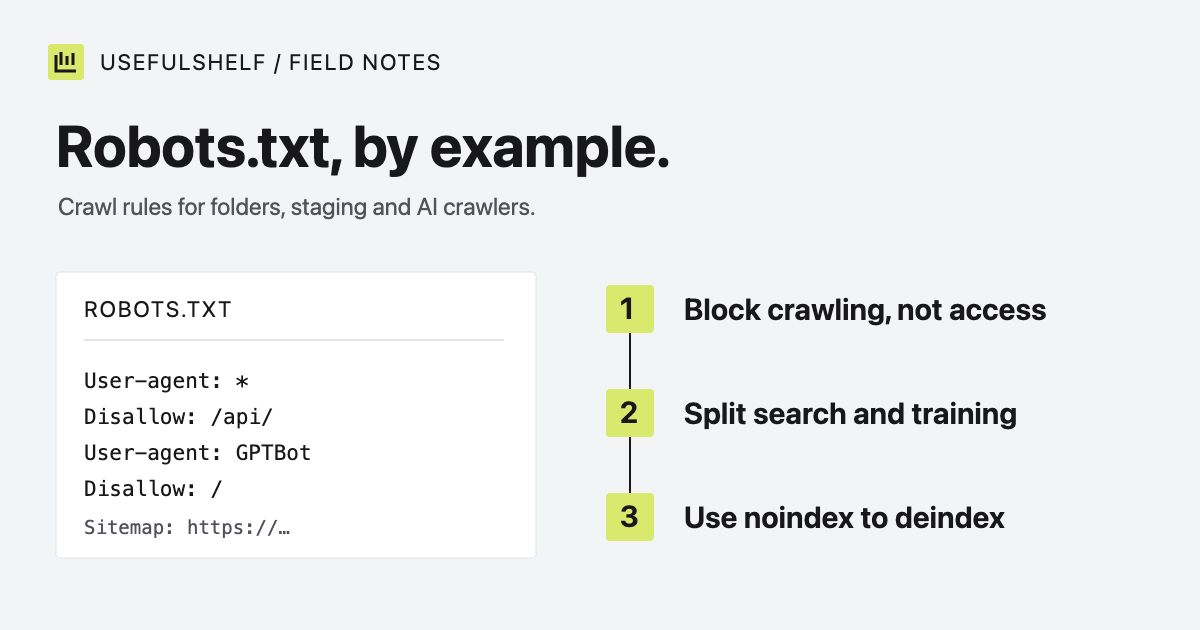
| robots.txt | Open /robots.txt and find the group that matches each crawler. | Disallow: / under User-agent: * or a named search crawler. |
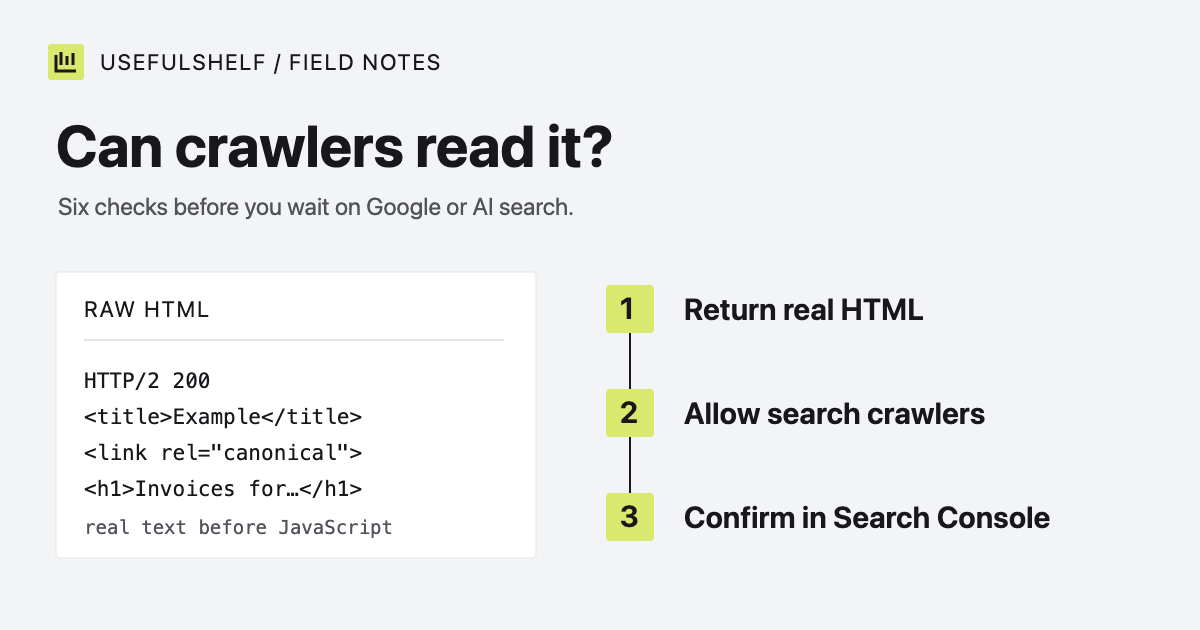
| Raw HTML | View the page source (not the inspector) and look for your main text. | An empty <div id="root"></div> and a script tag. |
| Canonical | Find <link rel="canonical"> in the source. | Every page pointing to the homepage, or to a staging domain. |
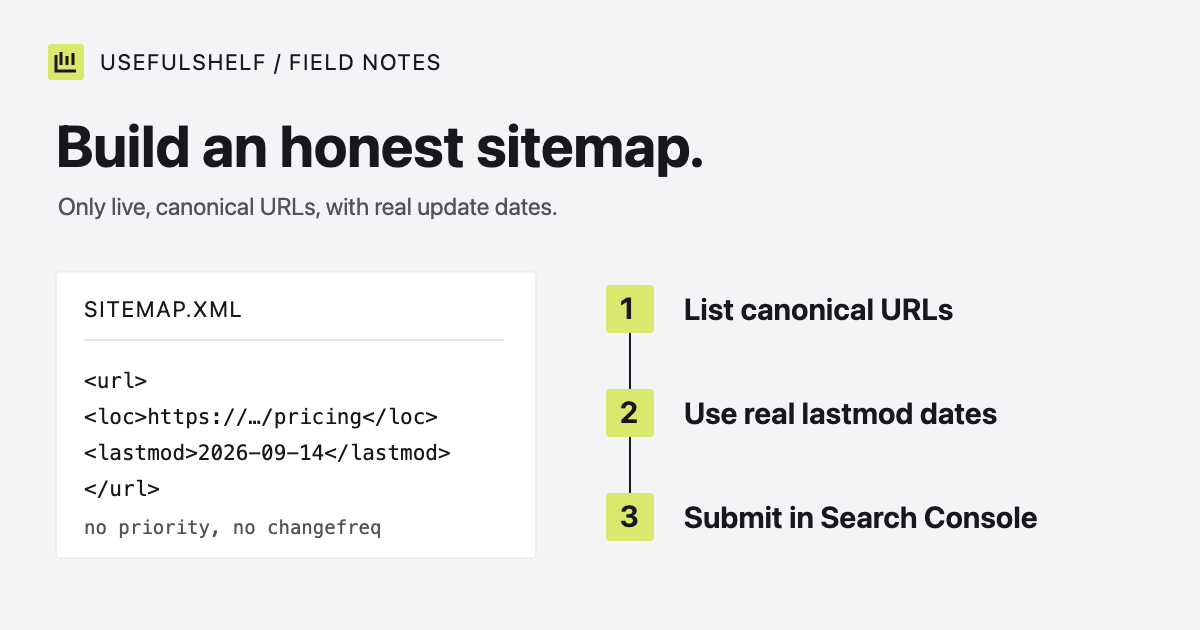
| Sitemap | Open /sitemap.xml and confirm the URL is listed. | The page is missing, or the file lists redirecting URLs. |
Two details catch people out. A noindex rule only works if crawlers can fetch the page, so never block the same URL in robots.txt; our robots.txt examples explain why. And a sitemap is a hint, not a request Google must follow. Our guide to XML sitemaps covers which URLs belong in one.
The JavaScript problem
Many apps built with Vite, Lovable, Bolt, or Base44 send the browser an almost empty HTML file and build the page with JavaScript. A person sees a finished page. A crawler that does not run JavaScript sees this:
<!doctype html>
<html>
  <head>
    <title>Vite + React</title>
  </head>
  <body>
    <div id="root"></div>
    <script type="module" src="/assets/index.js"></script>
  </body>
</html>
Googlebot does render JavaScript, but the page waits in a queue first, and Google’s own documentation notes that “not all bots can run JavaScript.” It recommends server-side rendering or pre-rendering because it “makes your website faster for users and crawlers.”
The fix is to send real HTML: server-side rendering, static generation at build time, or a pre-rendering step for public pages. At minimum, each public page should arrive with its own title, meta description, H1, and a few paragraphs of text explaining what the product does. Our meta tags guide covers the head.
AI search crawlers
ChatGPT search and Claude search use their own crawlers, OAI-SearchBot and Claude-SearchBot, separate from the crawlers those companies use for model training. OpenAI states that sites which opt out of OAI-SearchBot will not appear in ChatGPT search answers. Check that your robots.txt allows the search crawlers you want, even if it blocks training crawlers.
Raw HTML matters even more here. Vercel’s December 2024 analysis of crawler traffic found that OpenAI’s crawlers (OAI-SearchBot, ChatGPT-User and GPTBot), Anthropic’s ClaudeBot and PerplexityBot did not execute JavaScript. Claude-SearchBot was not in that study, so assume the same until shown otherwise: a client-rendered page that Google eventually indexes can still be blank to AI crawlers.
Being readable is a requirement, not a guarantee. No AI provider promises to cite or recommend a page because its crawler can read it.
Read Search Console’s answer
Only Google can say whether Google indexed a page. In Google Search Console, paste the URL into URL Inspection. It reports whether the URL is on Google, and Test live URL shows the HTML Googlebot rendered. The Page indexing report groups every known URL by status. Google’s report documentation defines the common ones:
| Status | Meaning | What to do |
|---|---|---|
| Discovered, currently not indexed | Google found the URL but has not crawled it yet. | Link to it from pages that are already indexed, and keep the server fast and error-free. |
| Crawled, currently not indexed | Google crawled the page and chose not to index it for now. It “may or may not be indexed in the future.” | Make the page more useful and distinct from your other pages. Google says there is no need to resubmit it. |
| Excluded by ‘noindex’ tag | Google found a noindex rule. | Remove the rule if you want the page indexed. |
| Blocked by robots.txt | robots.txt stops Googlebot from fetching the URL. | Remove the matching Disallow rule. |
| Alternate page with proper canonical tag | The page points to another canonical URL that is indexed. | Nothing, if that canonical is the one you meant. |
| Duplicate, Google chose different canonical than user | Google prefers another URL as the canonical. | Check which URL Google chose, and make the two pages clearly different or point them to one canonical. |
Expect gaps. Google says it does not guarantee that every page will be indexed, and advises against expecting 100% coverage. A page that passes every technical check can still wait, or be left out because it adds little beyond pages Google already has.
What our checker reports
The UsefulShelf visibility checker fetches one public page as UsefulShelfBot, without running JavaScript, and reports what a non-rendering crawler sees:
- The HTTP status, and the number of visible words in the raw HTML. It warns below 150 words and flags an empty
#root,#app, or#__appelement. - The title, meta description, H1, and canonical link, and any
noindexin the robots meta tag orX-Robots-Tagheader. - Whether robots.txt allows Googlebot, Bingbot,
OAI-SearchBot, andClaude-SearchBot, with the training crawlersGPTBotandClaudeBotshown separately. - Whether
/sitemap.xmlexists, whether Open Graph tags are present, and a platform-specific fix for apps built on Lovable, Bolt, Replit, Next.js, or Base44.
The score is our own summary of those findings, not a Google metric. The checker cannot tell you whether a page is indexed, how it ranks, or whether an AI tool will mention it. Use it to find technical blockers, then confirm with Search Console.
Check a page now
Enter a public URL to see the raw HTML, metadata, and crawler access a search or AI crawler gets, with a fix for each problem.
Open the visibility checker →Have a public app? A reviewed UsefulShelf listing gives it a server-rendered page with structured data, a category, and a direct website link. See how listings support discovery and the listing plans.