UsefulShelf
Technical SEO
Meta Tags for SEO: Which Ones Matter and How to Write Them
The meta tags Google actually uses, the ones it ignores, and how to write a title, meta description, canonical and Open Graph tags, with examples.
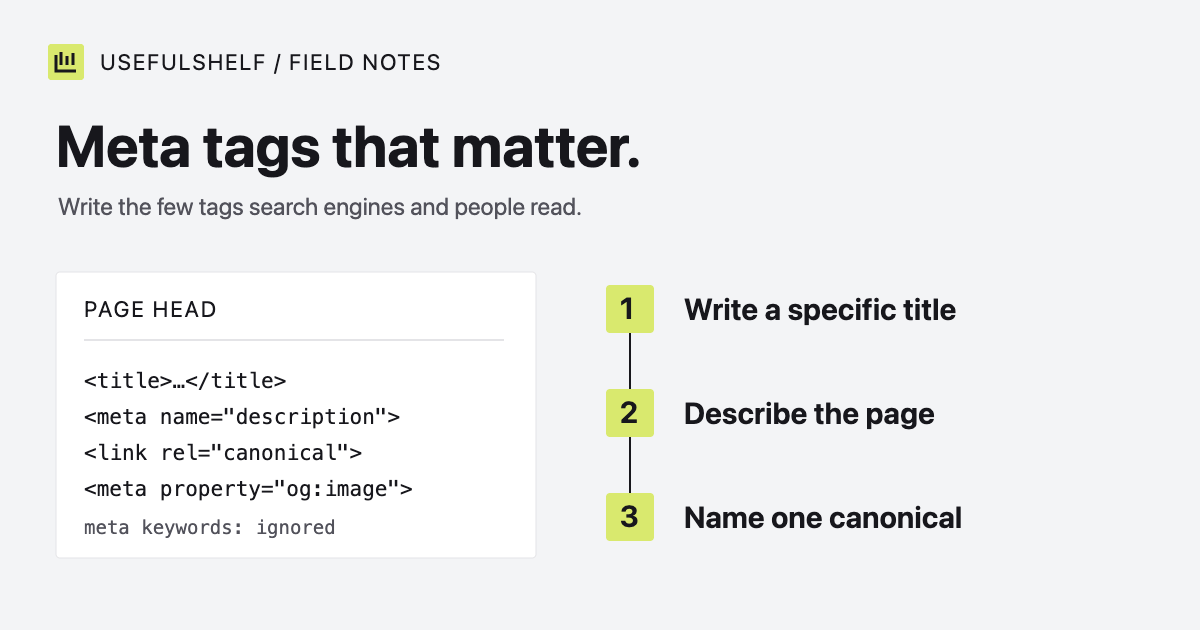
Most pages need fewer meta tags than an SEO plugin adds. Google publishes a short list of the meta tags it supports, and it is blunt about the most famous one: the keywords tag “is not used by Google Search, and it has no effect on indexing and ranking at all.”
This guide covers the tags that do something, how to write the two that people actually read, and a complete example you can adapt. The facts below were checked against Google Search Central and the Open Graph protocol on October 1, 2026.
Which meta tags matter for SEO
Strictly, the title is an HTML element and the canonical is a link element, not meta tags. They live in the same head section and do the heaviest lifting, so they belong on this list.
| Tag | What it does | Who reads it |
|---|---|---|
<title> | The main source Google considers for the title link in results. | Search engines, browser tabs, bookmarks |
meta description | A candidate for the snippet below the title. | Search engines, some link previews |
link rel="canonical" | Names your preferred URL when several URLs show one page. | Search engines |
meta robots | Indexing rules such as noindex or max-snippet. | Search engines |
meta viewport | Tells mobile browsers how to size the page. | Browsers |
og:* and twitter:* | Control the card shown when someone shares the link. | Social platforms and chat apps |
Google’s list of supported meta tags also includes google-site-verification, notranslate, rating, and the charset declaration. Add those only when you need what they do.
Meta tags you can skip
meta keywords: Google does not use it. A list of your target terms in the head is also a free gift to competitors reading your source.rel="next"andrel="prev": Google lists these as ignored. Link paginated pages to each other with ordinary links instead.- Repeated or empty tags: two descriptions or two canonicals give search engines conflicting instructions. Keep one of each.
One trap: Google says it ignores the HTML lang attribute when it detects a page’s language. Keep it anyway. Screen readers use it to choose a pronunciation, and it costs nothing.
How to write a title tag
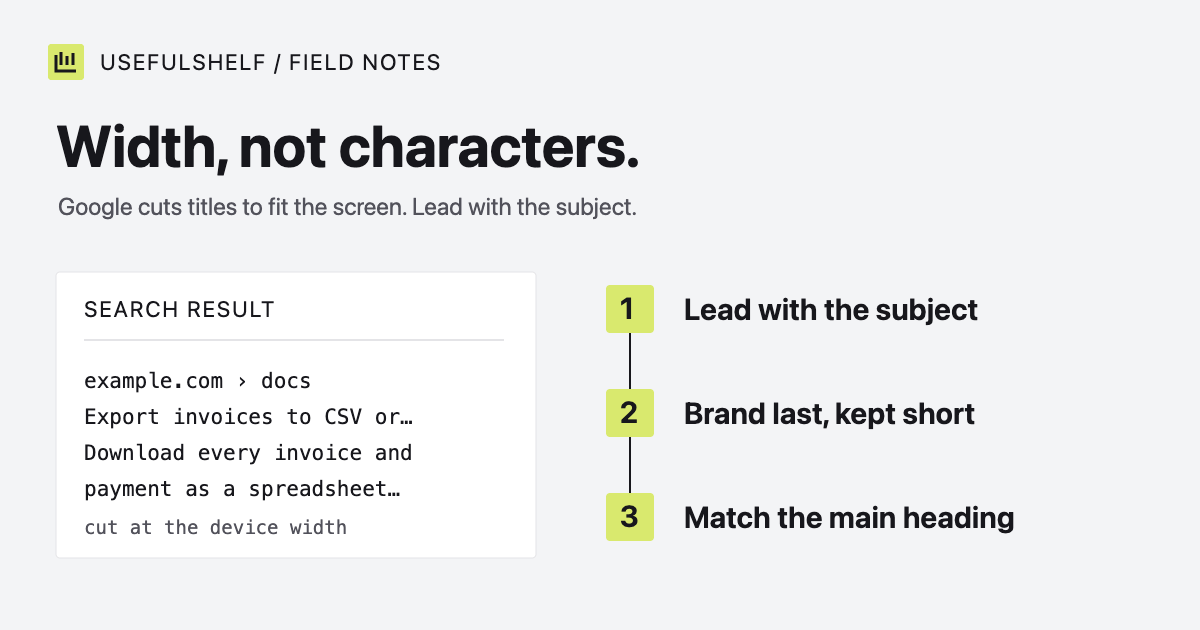
Describe the page in plain words, put the specific subject first, and end with your brand. For an invoicing app’s homepage, compare these:
Before: Home | Example | Invoicing Software, Invoice App, Free Invoice Maker
After:  Simple invoicing for freelancers | Example
The first title is a keyword list that repeats itself. The second tells a searcher who the product is for and what it does. Give every page its own title, and make it agree with the page’s main heading. Google lists vague, repeated, and inaccurate titles among the reasons it rewrites them. Our guide to title tag and meta description length covers truncation and rewrites in detail.
How to write meta descriptions
Google usually builds a snippet from the page content. It uses your meta description when it judges that the description describes the page more accurately. A good description therefore earns its place by being specific.
- Write one per page. Google recommends distinct descriptions. Identical text across a site gives it no reason to choose yours.
- Use facts from the page. On a pricing page that means plan names and limits. On a product page it means the job the product does and for whom.
- Write sentences, not keyword lists. The description is for the person deciding whether to click.
- Generate them from data on large sites. Google suggests programmatic descriptions for database-driven pages, which is better than leaving thousands of pages to share one.
For the invoicing app’s pricing page:
Weak:   Invoicing, invoices, invoice software, best invoice app, pricing.
Better: Compare Example's Free and Pro plans: client limits, recurring
        invoices and payment reminders, billed monthly or yearly.
Example is a made-up product; use your own real plan details. Google sets no length limit on meta descriptions, but it truncates them to fit the screen, so lead with the most useful fact.
Canonical and robots meta tags
Use an absolute canonical URL. Google supports relative ones but recommends against them. The canonical is a strong signal, not a command. A redirect is stronger, and a sitemap entry is weaker. They work best when your redirects, canonicals, internal links, and sitemap all name the same URL.
Add <meta name="robots" content="noindex"> to a page you want kept out of search results. The page must stay crawlable for this to work. If robots.txt blocks it, Google never sees the tag. Our robots.txt examples explain when to use each.
Open Graph tags example
The Open Graph protocol requires four properties: og:title, og:type, og:image, and og:url. It recommends og:description. These tags shape the card people see when they share your link. Google’s title documentation also lists og:title among the sources it may use for a title link.
A complete head section for the example homepage:
<title>Simple invoicing for freelancers | Example</title>
<meta name="description" content="Create invoices, track payments, and keep client billing organized in one place.">
<link rel="canonical" href="https://example.com/">
<meta property="og:type" content="website">
<meta property="og:title" content="Simple invoicing for freelancers | Example">
<meta property="og:description" content="Create invoices, track payments, and keep client billing organized in one place.">
<meta property="og:url" content="https://example.com/">
<meta property="og:image" content="https://example.com/social.png">
<meta name="twitter:card" content="summary_large_image">
<meta name="twitter:title" content="Simple invoicing for freelancers | Example">
<meta name="twitter:description" content="Create invoices, track payments, and keep client billing organized in one place.">
The twitter:card value picks the card layout: summary for a small square image or summary_large_image for a wide one. A wide image such as 1200 by 630 pixels, with the important content near the center, holds up best because platforms crop differently.
Check what your server sends
The browser inspector shows the page after JavaScript runs. Crawlers and link preview bots may read only the HTML your server returns. Open “View source” or fetch the page with curl and confirm the tags are there, with one title, one description, and one canonical.
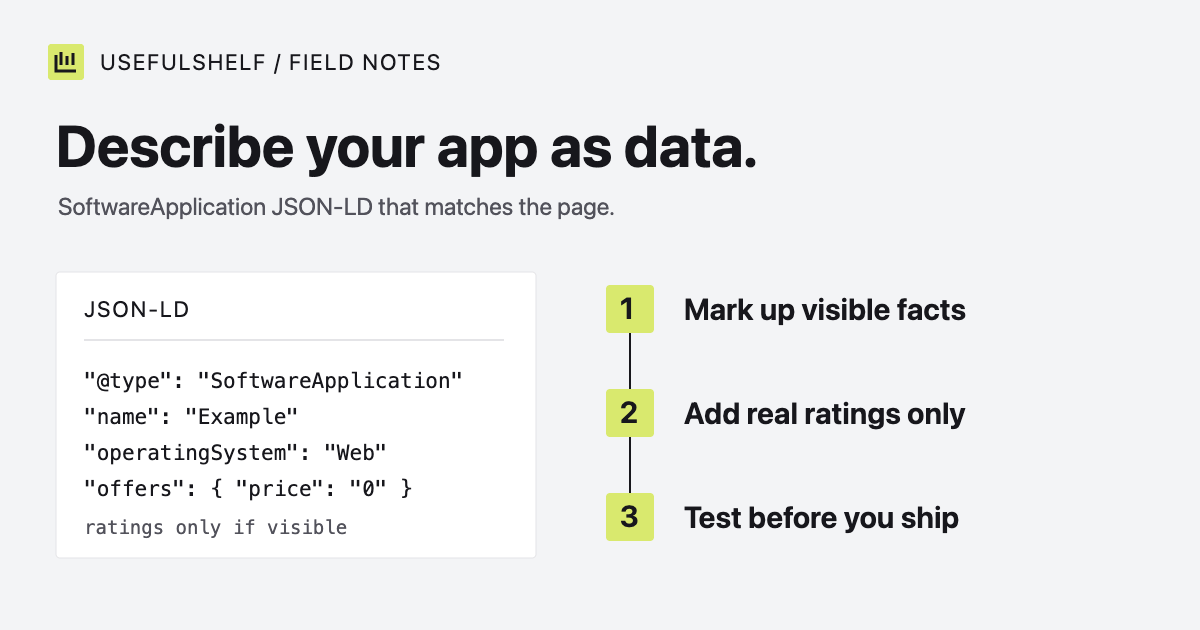
Then test the result. Draft and compare your copy in the SERP preview tool, and run the published URL through the search and AI visibility checker. If your page describes an app, add SoftwareApplication structured data as well. None of this guarantees indexing or a ranking. It removes the reasons a search engine or a reader might misunderstand the page.
Generate your meta tags
Enter your page’s real title, description, URL, and image. Copy the HTML into the head of your page. No sign-in needed.
Open the meta tag generator →Have a public app? A reviewed UsefulShelf listing gives it a server-rendered page with structured data, a category, and a direct website link. See how listings support discovery and the listing plans.