
A screen annotation app for Mac with drawing, zoom, cursor spotlight, and keystroke overlays.
Mac apps by category
Browse apps
Featured listings first. Tags come from each app's website, so confirm current pricing and platforms before you choose.
Apps

Local dictation for macOS that types clean text into any Mac app.

A local-first AI research workspace for researchers on macOS and Windows.

A Mac app that puts AI agents, meetings, music, and timers in the notch.
A free macOS app for screenshots, screen recording, and video editing.
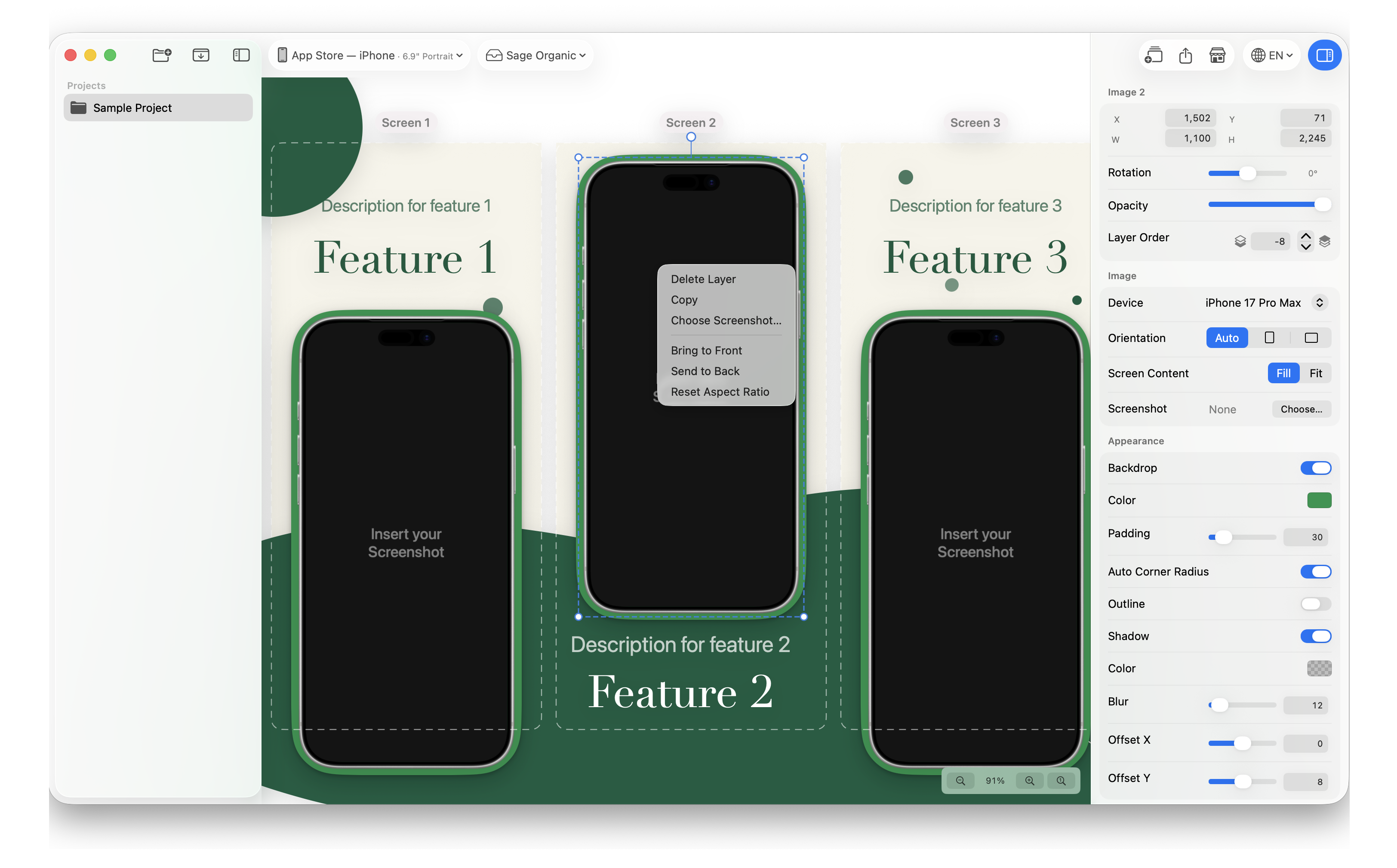
Design localized app-store screenshot sets on Mac
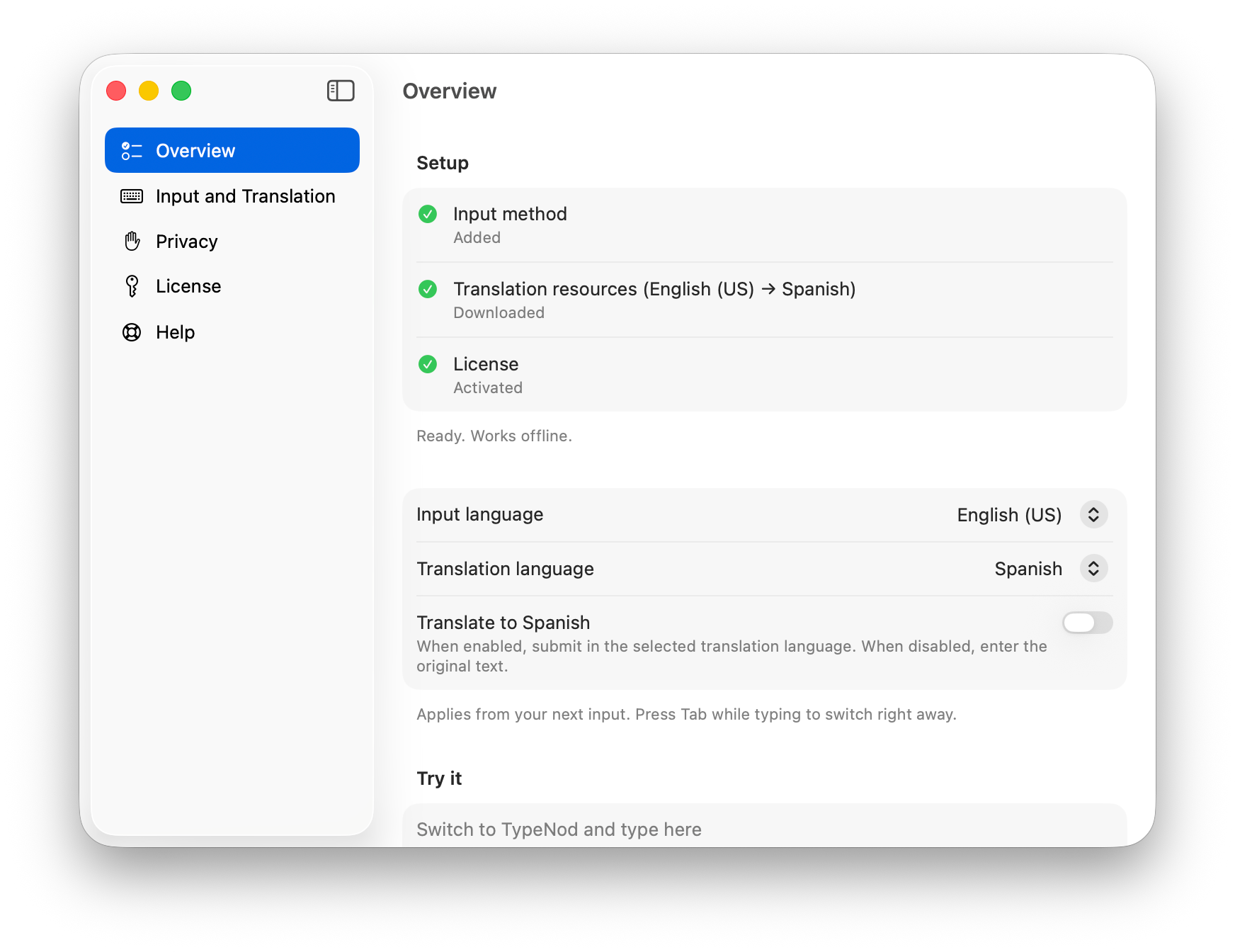
Mac input method with on-device translation previews
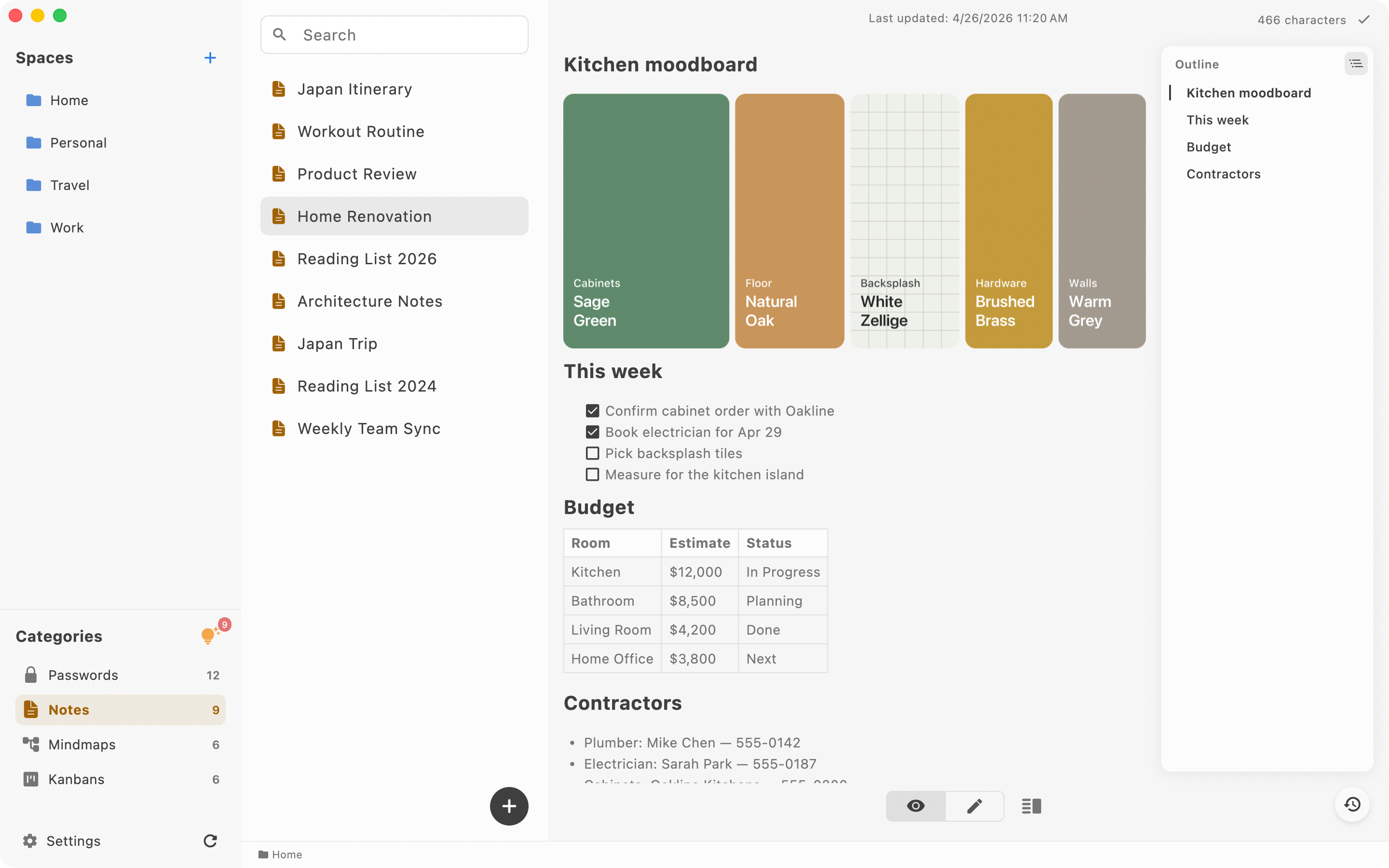

Local-first notes and passwords; Pro kanban and mind maps
Capture notes in a keystroke as plain markdown files on your Mac
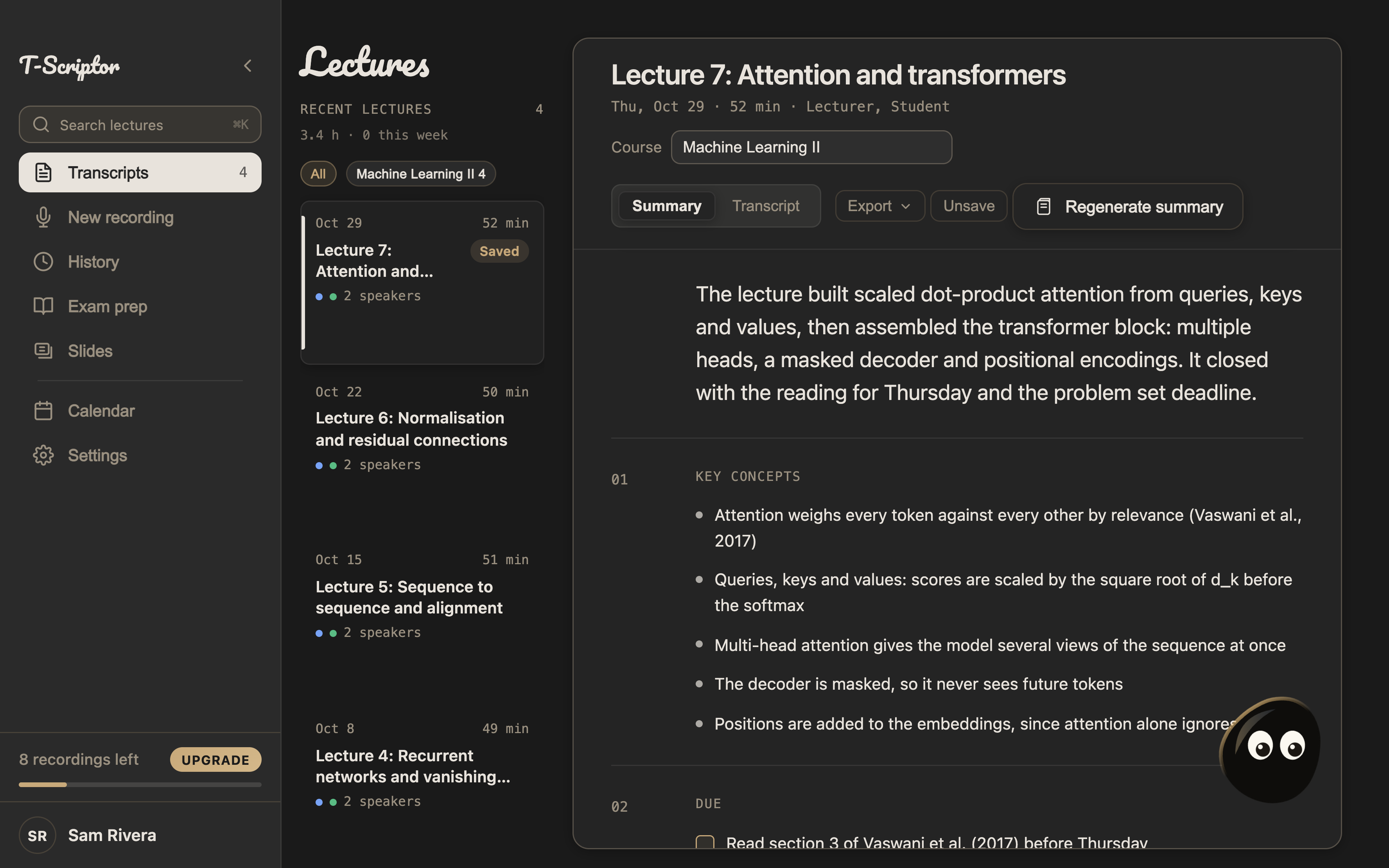

Transcribe lectures and meetings on Mac and iPhone with AI summaries and citations

macOS menu bar for AI coding usage limits (Claude, Codex, Cursor…)
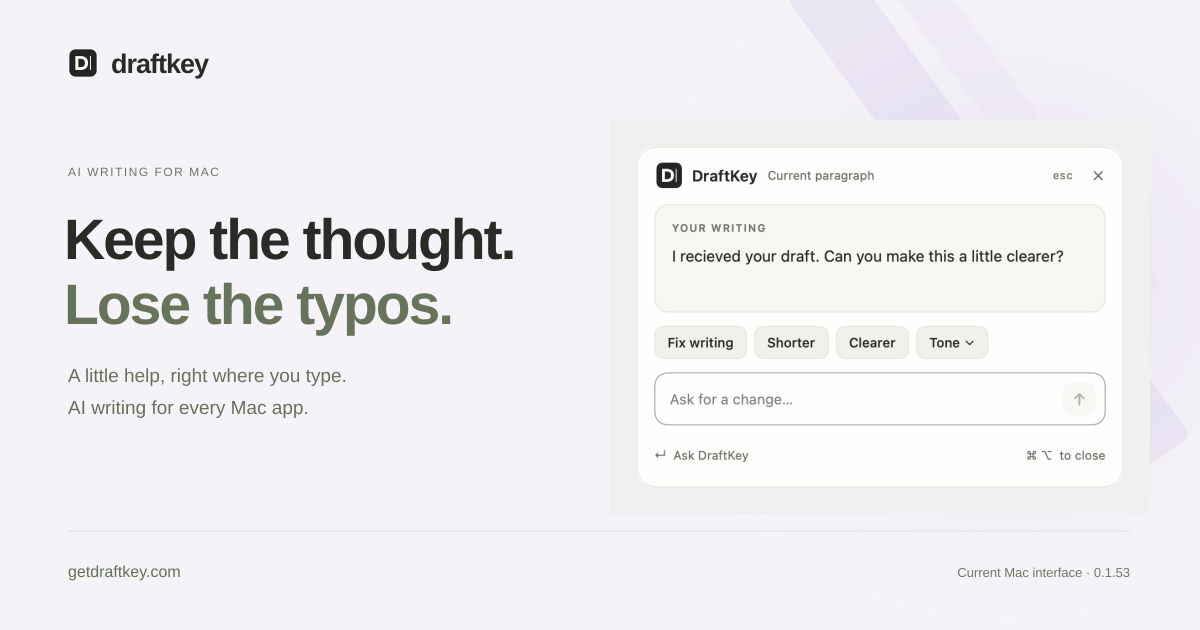

Private on-device AI autocomplete for Mac apps
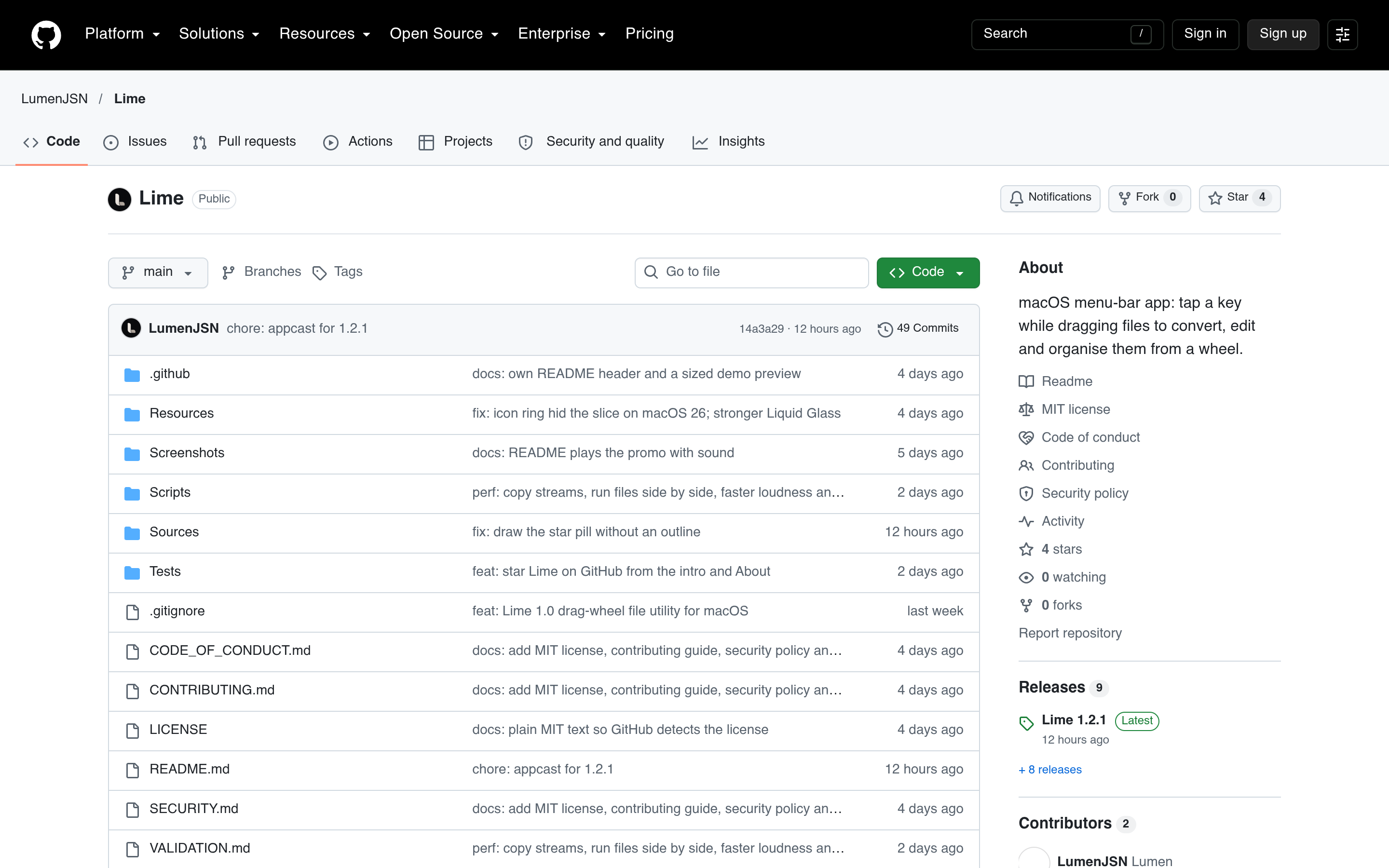

macOS menu-bar app for converting, editing, and organising files while dragging them.

A free, open source macOS launcher for apps, clipboard history, snippets, and windows.
15–28 of 34 apps
Compare mac apps
Pricing, platforms, features and tool types are tagged from each app's public website and may be incomplete. Open an app page for the full details.
| App | Pricing | Platforms | Features | Tool type |
|---|---|---|---|---|
| Overlaid | Free trial, One-time purchase | macOS | Not listed | Not listed |
| BetterWispr | Free | Web, macOS | Open source | Not listed |
| Trisynapse | Free | Web, macOS, Windows | AI-powered | Not listed |
| Crowny | One-time purchase | macOS | AI-powered | Not listed |
| Better Shot | Free | macOS | Open source | Not listed |
| XShots | Free trial, One-time purchase | macOS | Not listed | Not listed |
| TypeNod | One-time purchase | macOS | Not listed | Not listed |
| LocArk | Freemium, One-time purchase, Subscription | Android, iOS, macOS, Windows | Not listed | Not listed |
| Jot | Free trial, One-time purchase | macOS | AI-powered | CLI, MCP server |
| T-Scriptor | Freemium, Subscription | iOS, macOS | AI-powered | Not listed |
| TokenBar | Not listed | macOS | Not listed | Not listed |
| DraftKey | Not listed | macOS | AI-powered | Not listed |
| Lime | Free | Web, macOS | Open source | Not listed |
| Tinycast | Free | macOS | AI-powered, Open source | Not listed |